Lemonn Launches Auto TP/SL for Smarter F&O Trading
 Written by Kumar Ashutosh
 Reviewed by Gaurav Garg, SEBI-registered Research Analyst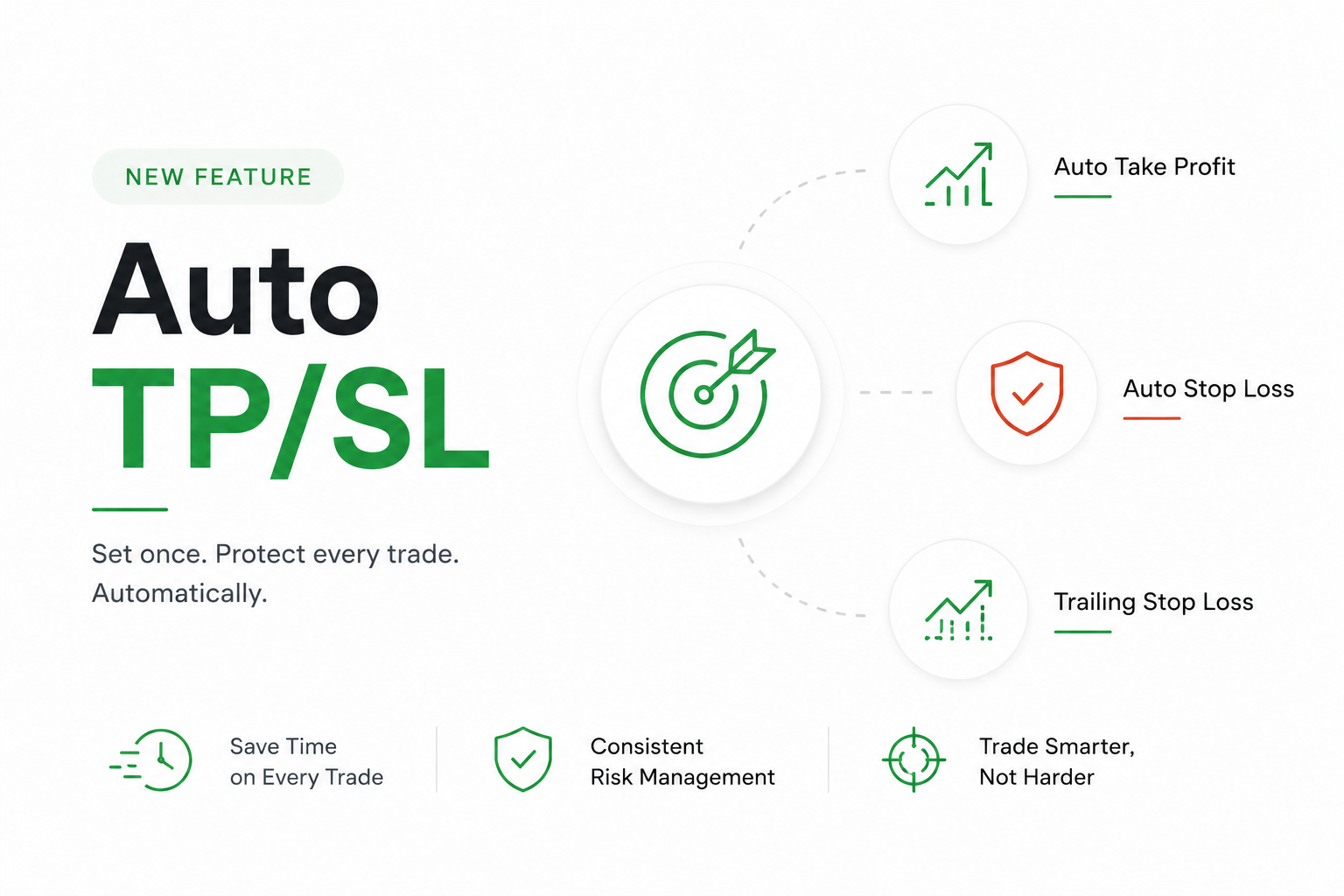
Lemonn launches Auto TP/SL, a new feature designed to make F&O trading more efficient and disciplined. Instead of manually setting a Take Profit (TP) and Stop Loss (SL) for every trade, traders can now configure their preferred settings once and have them applied automatically to every new eligible order.
Whether you’re an active scalper or someone who trades multiple positions throughout the day, Auto TP/SL helps reduce manual effort while ensuring every trade starts with predefined risk management.
What Is Lemonn Auto TP/SL?
Auto TP/SL is a feature that automatically adds your preferred Take Profit, Stop Loss, and optional Trailing Stop Loss to every new eligible F&O trade.
Once configured, you don’t have to repeat the same setup for every order. Your saved preferences are applied automatically, helping you trade faster and more consistently.
With Lemonn Auto TP/SL, you can:
- Automatically apply TP and SL to every new trade
- Choose between Market or Limit Take Profit
- Set Stop Loss in Points or Percentage
- Enable Trailing Stop Loss for dynamic profit protection
- Save time during fast-moving market conditions
Why Lemonn Launches Auto TP/SL
Every trader has experienced it.
You enter a position quickly, planning to add the Stop Loss in a moment. Before you do, the market moves sharply, or you get distracted by another trade. A small oversight can turn into an unnecessary loss.
This is exactly the problem Lemonn Launches Auto TP/SL aims to solve.
By automating trade protection, the feature helps eliminate one of the most common manual mistakes in F&O trading.
Benefits include:
- No need to remember TP and SL for every order
- Faster order placement
- More consistent risk management
- Reduced chances of unprotected trades
- Better trading discipline
How to Set Up Auto TP/SL in Lemonn
Setting up Auto TP/SL takes just a few taps.
Step 1: Open F&O Portfolio
Go to the F&O tab and open your Positions page.
Tap the Settings icon and select Auto TP/SL.
Step 2: Configure Auto Take Profit
Enable Auto TP.
You can choose:
- Market Order
- Limit Order
Select whichever aligns with your trading strategy.
Step 3: Configure Auto Stop Loss
Enable Auto SL.
Choose whether you want your Stop Loss measured in:
- Points
- Percentage
For example, you can set a 2% Stop Loss for every eligible trade.
Step 4: Save Your Preferences
Tap Save.
You’ll see a confirmation screen summarising your TP and SL settings before they become active.
From now on, every new eligible F&O trade automatically follows these rules.
Auto TP/SL Works Seamlessly in Scalper Mode
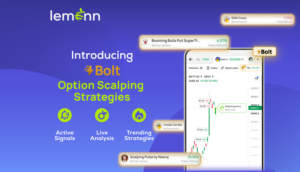
When placing an order through Scalper Mode, your predefined TP and SL levels appear automatically on the chart.
There’s no need to manually add exit orders after entering a position.
This makes execution faster while helping you avoid missing important risk management steps during volatile markets.
Protect Profits with Trailing Stop Loss
Alongside Auto TP/SL, Lemonn also lets you automate your Trailing Stop Loss.
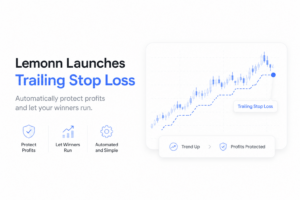
Unlike a regular Stop Loss that stays fixed, a Trailing Stop Loss moves higher as the market moves in your favour.
This helps lock in gains without manually adjusting your Stop Loss throughout the trade.
Example
Suppose your trade starts moving into profit.
Instead of keeping the Stop Loss at its original level, the Trailing Stop Loss gradually moves up while maintaining your chosen gap.
If prices reverse later, more of your profits may already be protected.
How to Enable Trailing Stop Loss
You have two options.
For an Existing Trade
Inside Scalper Mode, tap the Edit icon beside your Stop Loss.
Set the trailing gap and save your changes.
For All Future Trades
If you want every new eligible trade to include a Trailing Stop Loss:
- Open the F&O Portfolio
- Tap Settings
- Select Auto TP/SL
- Enable Trailing Stop Loss
- Set your preferred trail distance
- Tap Save
Your preferred Trailing Stop Loss will now be automatically applied to future eligible orders.
Key Benefits of Lemonn Auto TP/SL
| Feature | Benefit |
|---|---|
| Automatic TP & SL | Eliminates repetitive manual setup |
| Market & Limit TP | Supports different exit strategies |
| Points or Percentage SL | Flexible risk management |
| Trailing Stop Loss | Helps protect profits automatically |
| One-time configuration | Saves time on every trade |
Why Auto TP/SL Matters for Active Traders
Markets can move within seconds.
During periods of high volatility, manually setting exit orders for every position increases the chances of delays or mistakes.
With Lemonn Launches Auto TP/SL, every eligible trade starts with predefined protection, allowing traders to focus on analysing opportunities rather than repeating the same setup process.
Automation cannot guarantee profits, but it can help improve consistency and reduce avoidable trading errors.
Final Thoughts
Risk management is one of the most important aspects of successful F&O trading. Missing a Stop Loss or forgetting to set a Take Profit can undo an otherwise profitable trading session.
With Lemonn Launches Auto TP/SL, traders can automate these essential settings, save time, and build greater consistency into their trading workflow. Combined with Trailing Stop Loss, the feature offers a more streamlined way to manage both risk and potential profits.
If you’re looking to simplify your trading routine without compromising on risk management, Auto TP/SL is a feature worth exploring.
Frequently Asked Questions
Q. What is Lemonn Auto TP/SL?
Lemonn Auto TP/SL automatically applies your predefined Take Profit and Stop Loss settings to every new eligible F&O trade.
Q. Can I customise my Take Profit settings?
Yes. You can choose between Market and Limit Take Profit orders.
Q. Does Auto TP/SL support percentage-based Stop Loss?
Yes. You can configure Stop Loss using either Points or Percentage.
Q. What is Trailing Stop Loss?
Trailing Stop Loss automatically adjusts your Stop Loss as the market moves in your favour, helping protect unrealised profits.
Q. Can I change my Auto TP/SL settings anytime?
Yes. You can edit your Auto TP, Auto SL and Trailing Stop Loss preferences from the F&O Portfolio settings whenever required.
Key Takeaways
- Lemonn Launches Auto TP/SL to automate Take Profit and Stop Loss for eligible F&O trades.
- Configure your preferred TP and SL settings once and apply them automatically to future trades.
- Choose between Market or Limit TP and Points or Percentage SL.
- Enable Trailing Stop Loss to automatically protect profits as markets move.
- Auto TP/SL helps reduce manual errors, save time, and improve trading discipline.
Disclaimer
The stocks mentioned in this article are not recommendations. Please conduct your own research and due diligence before investing. Investment in securities market are subject to market risks, read all the related documents carefully before investing. Please read the Risk Disclosure documents carefully before investing in Equity Shares, Derivatives, Mutual fund, and/or other instruments traded on the Stock Exchanges. As investments are subject to market risks and price fluctuation risk, there is no assurance or guarantee that the investment objectives shall be achieved. Lemonn (Formerly known as NU Investors Technologies Pvt. Ltd) do not guarantee any assured returns on any investments. Past performance of securities/instruments is not indicative of their future performance.