
What is VPA in UPI: Everything You Need to Know
Introduction to UPI and Its Growing Popularity in India
UPI reshaped digital payments across India with a simple, instant, and widely accepted payment system that works across banks and apps. Every day, millions of people send and receive money without using cards or OTPs. As UPI grows stronger, users explore newer features that make transactions smoother.
What is VPA (Virtual Payment Address) in UPI?
Before understanding how UPI transfers work behind the scenes, it helps to understand the role of a VPA. This identifier creates a simple way to route money from one bank account to another in seconds.
“Start investing with confidence! Explore
0 demat account
and grow your wealth.”
Definition and Full Form of VPA
VPA stands for Virtual Payment Address. It acts as a digital identifier assigned to a UPI user. When someone wants to transfer money, the sender only needs this VPA instead of memorizing bank account numbers or IFSC codes.
How a VPA Works in UPI Transactions
A VPA connects with your bank account inside a UPI app. When money is sent to a VPA, UPI fetches the mapped bank account and completes the transfer instantly.
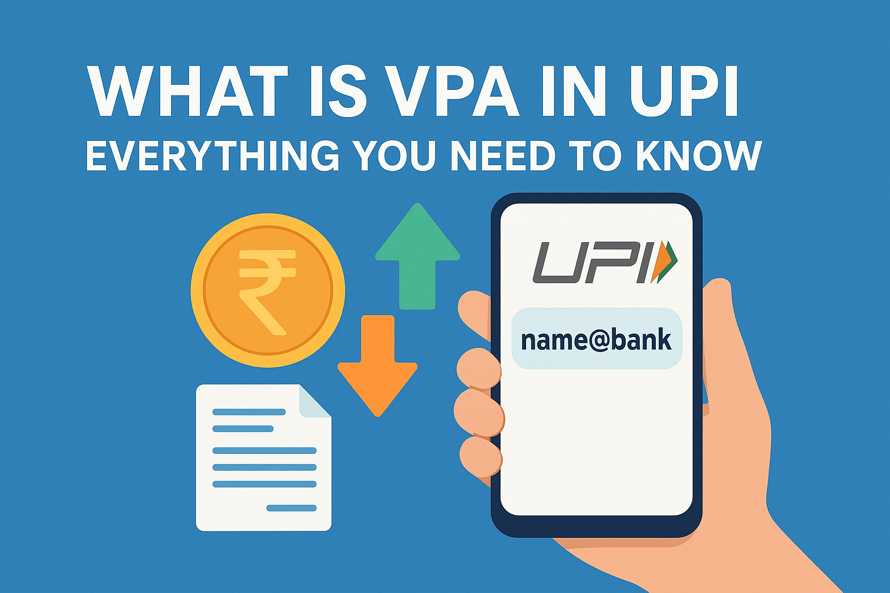
Structure and Format of a Typical VPA (e.g., name@bank)
Most VPAs follow a simple pattern:
yourname@upi
mobilenumber@bank
customid@okaxis
The handle after the “@” symbol indicates the UPI provider, such as @okhdfcbank, @oksbi, @ybl, @upi, etc.
Importance of VPA in UPI Payments
The VPA plays a central role throughout the UPI journey. It improves convenience, reduces errors, and shields users from disclosing sensitive information during digital transfers.
How VPA Simplifies Money Transfers
Sharing a single string like “abc@upi” replaces multiple banking details. Payments become faster, cleaner, and easier to manage.
Enhancing Privacy and Security with VPAs
Since the VPA in UPI masks your core bank data, the sender never sees your account number, branch, or IFSC. This extra layer boosts user confidence while transacting digitally.
No Need to Share Bank Account or IFSC Details
One VPA handles all transfers. Users keep their banking details within their own apps without disclosing them to anyone during payments.
How to Create a VPA in Popular UPI Apps
You can create a VPA in UPI via different methods. Each UPI app allows users to create one or multiple VPAs. The steps vary slightly, yet the process remains simple.
Creating VPA in Google Pay
Google Pay automatically creates a VPA based on your mobile number when you register. You may also create a custom VPA inside the app settings.
Creating VPA in PhonePe
PhonePe assigns a default VPA ending with “@ybl”. Users can customise it under their profile settings.
Creating VPA in Paytm
Paytm offers VPAs like “name@paytm”. The app allows the creation of multiple VPAs for different bank accounts linked inside the app.
Creating VPA in BHIM App
The BHIM app assigns VPAs like “mobilenumber@upi”. It also supports custom VPAs based on user preference.
How to Use VPA for Sending and Receiving Money
The VPA in UPI serves as both an address to send money and an identifier to receive funds.
Steps to Send Money Using VPA
Enter the recipient’s VPA → verify the name shown → enter the amount → confirm with your UPI PIN. The transfer completes instantly.
Steps to Receive Money via VPA
Share your VPA with the sender or generate a request-to-pay inside your UPI app.
Checking VPA Linked Bank Accounts
All UPI apps show your VPAs and the bank accounts linked to them under the “Bank Accounts” or “UPI Settings” section.
Managing and Changing Your VPA
A user-friendly feature of UPI is the ability to manage VPAs effortlessly.
How to Edit or Delete an Existing VPA
Inside each UPI app, users can remove unused VPAs or create newer ones. The old VPA in UPI becomes inactive once deleted.
Linking Multiple Bank Accounts to a Single VPA
Some UPI apps allow a single VPA to map across more than one bank account. Users can switch the primary account for transactions anytime.
Tips for Choosing a Secure and Easy-to-Remember VPA
Simple and unique VPAs such as yourname@upi or mobilenumber@bank offer easy recall. Avoid personal identifiers like birthdays for higher safety.
Difference Between VPA and UPI ID
Many users feel a little confused between the terms VPA and UPI ID. Both terms appear across apps during setup and transactions.
Are VPA and UPI ID the Same Thing?
Yes. VPA and UPI ID refer to the same digital identifier inside the UPI network.
Key Differences Between VPA and UPI Handles
The part before the “@” represents the user ID, and the handle after “@” represents the bank or app provider. Together, they create one complete UPI ID.
Security Aspects of Using a VPA
VPA plays a central role in making UPI transactions smooth and safe. It works as a protective layer between your bank account and the outside world, so that only the identifier is visible during payments. The UPI network already runs on encrypted channels, device binding rules, and multi-factor authentication.
Common Security Myths About VPAs
Many users assume sharing a VPA exposes account numbers or branch details. A VPA works differently. It simply routes payments to the bank account it’s mapped to without revealing any personal information. No IFSC, no account number, no card details. Another common myth is that someone can pull money from your account with only your VPA. That cannot happen because UPI requires user authentication through the PIN for every outgoing payment.
Best Practices to Keep Your UPI Safe
Strong security also depends on simple habits. Use trusted UPI apps, keep your device updated, and verify the VPA you enter before authorizing a transfer. Always maintain full control over your UPI PIN and never type it on any screen outside your UPI app. Make sure to use secure Wi-Fi or mobile data while approving payments.
Benefits of Using a VPA in Daily Transactions
Since a VPA in UPI works across banks and apps, users can switch platforms, link new accounts, or change devices without affecting their payment identity.
Instant Transfers 24×7
Funds move instantly across banks at any hour, making VPAs ideal for personal payments, business transactions, and emergency transfers.
Simplified Payment Experience
A single address removes the friction of entering account numbers or IFSC codes.
Compatibility Across Banks and Apps
VPAs function across the entire UPI ecosystem, offering flexibility and ease for every user.
Common Issues and Troubleshooting
Users occasionally face challenges in using VPA in UPI due to app glitches or temporary banking delays.
What to Do If Your VPA Is Not Working
Refresh the app, check network strength, or re-link your bank account inside the UPI settings.
How to Recover a Forgotten VPA
Open the UPI app → go to your profile → locate your primary and secondary VPAs.
Contacting Bank or App Support
Every UPI app and bank offers built-in support systems. Users may also raise issues through the NPCI help portal.
Future of VPA and UPI in Digital Payments
India’s digital economy continues to expand through QR payments, UPI Lite, UPI Autopay, and international UPI linkages. The VPA continues to evolve as a universal digital identifier that may soon enable cross-border retail payments across partner nations. As fintech innovation progresses, VPAs may handle recurring mandates, bill automation, and advanced authorization layers across multiple services.
Conclusion – Why Understanding VPA Is Essential for Every UPI User
A VPA makes UPI simple, secure, and highly flexible. It creates a smooth pathway for money transfers without needing bank details. As digital payments gain stronger adoption across India, VPAs work as a core element that keeps transactions fast and error-free.
FAQs:
What does VPA mean in UPI transactions?
It means Virtual Payment Address, a digital identifier used to route UPI transfers.
How can I find my VPA or UPI ID?
Open your UPI app and check your profile or UPI settings to view your registered VPAs.
Is VPA and UPI ID the same thing?
Yes. Both terms refer to the same UPI identifier.
Can I change my VPA name?
Yes. Most UPI apps allow users to create a new custom VPA anytime.
Can one person have multiple VPAs?
Yes. Users may create several VPAs for convenience or separate banking needs.
Is it safe to share my VPA with others?
Yes. Sharing a VPA keeps your banking details private and secure.
What happens if money is sent to the wrong VPA?
The amount goes to the VPA holder linked to that address. Users can raise a complaint with their bank or the NPCI portal.
How to link a new bank account to my existing VPA?
Open the UPI app → add a new bank account → select which VPA you want to link as primary.
Disclaimer
The stocks mentioned in this article are not recommendations. Please conduct your own research and due diligence before investing. Investment in securities market are subject to market risks, read all the related documents carefully before investing. Please read the Risk Disclosure documents carefully before investing in Equity Shares, Derivatives, Mutual fund, and/or other instruments traded on the Stock Exchanges. As investments are subject to market risks and price fluctuation risk, there is no assurance or guarantee that the investment objectives shall be achieved. Lemonn (Formerly known as NU Investors Technologies Pvt. Ltd) do not guarantee any assured returns on any investments. Past performance of securities/instruments is not indicative of their future performance.
Related Posts


Download Lemonn
Download my app for share market trading, ipo investment, trading account, and all your investment needs.



