
How to File ITR Online: Step-by-Step Guide
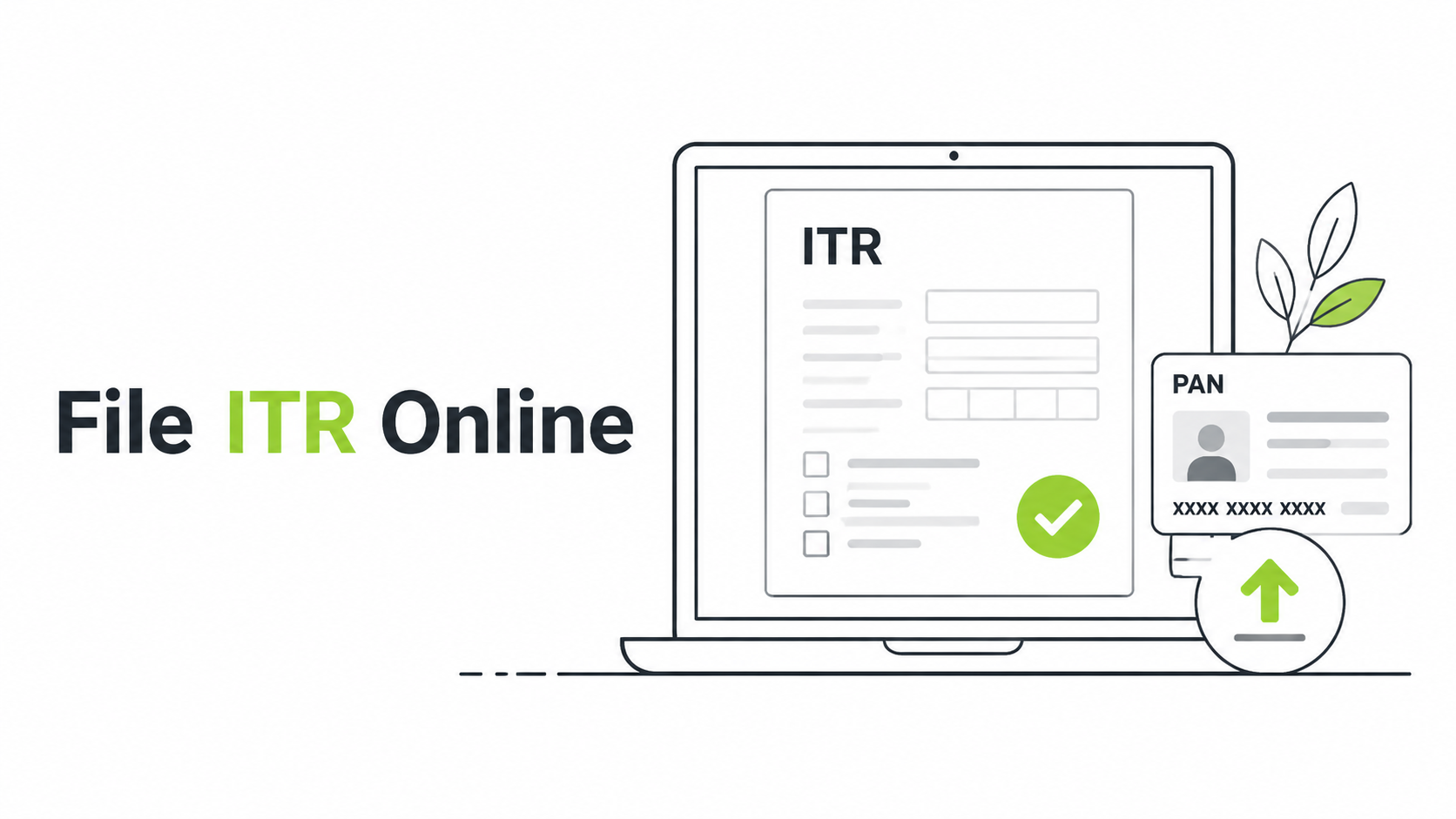
You can file your Income Tax Return online through India’s official Income Tax e-Filing portal. The basic process is to collect your tax records, choose the correct assessment year and ITR form, verify pre-filled information, report all remaining income, calculate tax, submit the return, and complete verification.
For AY 2026-27, taxpayers should pay particular attention to updated ITR eligibility rules, including the expanded treatment of certain capital gains and house-property income in the simpler forms.
What Is an ITR?
ITR stands for Income Tax Return.
It is the form through which you report information such as:
- Salary income
- Pension
- House-property income
- Interest
- Dividends
- Capital gains
- Business or professional income
- Eligible deductions
- Taxes already paid
Filing the correct ITR allows the Income Tax Department to determine whether you have paid the correct tax, need to pay additional tax, or are eligible for a refund.
What Should You Keep Ready Before Filing ITR?
Preparation can prevent most filing errors.
Keep these documents and records handy:
- PAN
- Aadhaar
- Form 16
- Form 16A, where applicable
- Form 26AS
- Annual Information Statement
- Taxpayer Information Summary
- Bank statements
- Interest certificates
- Dividend statements
- Broker capital gains report
- Mutual fund capital gains statement
- Home loan certificate
- Rental income details
- Deduction records
- Advance tax or self-assessment tax challans
- Foreign asset and foreign income information, where applicable
Do not assume that every pre-filled figure is automatically correct.
“Start investing with confidence! Explore
0 demat account
and grow your wealth.”
Step 1: Log In to the Income Tax e-Filing Portal
Use the official Income Tax e-Filing portal.
Sign in using the appropriate credentials and complete any required authentication.
Avoid filing through unknown links received in unsolicited messages.
Step 2: Select File Income Tax Return
The department’s online guidance directs taxpayers to the filing workflow under:
e-File > Income Tax Returns > File Income Tax Return
Select the appropriate filing option and continue.
Step 3: Choose the Correct Assessment Year
The assessment year is the year in which income from the preceding financial year is assessed.
For example:
Income earned during FY 2025-26 is generally reported for AY 2026-27.
Confusing the financial year and assessment year is a common beginner mistake.
Step 4: Select the Filing Mode
Choose the online filing mode when you want to complete the return directly through the portal.
The system may allow you to continue from saved information if you previously started the return.
Step 5: Choose Your Status
Typical taxpayer-status choices include:
- Individual
- HUF
- Firm
- Company
A salaried person filing their own return would generally choose Individual.
Step 6: Select the Correct ITR Form
This is one of the most important steps.
ITR-1
ITR-1 is intended for qualifying individuals with relatively straightforward income.
For AY 2026-27, the Income Tax Department states that ITR-1 cannot be used where the taxpayer has short-term capital gains or Section 112A LTCG exceeding ₹1.25 lakh. The current form allows qualifying taxpayers to report income from up to two house properties, subject to the remaining eligibility conditions.
ITR-2
ITR-2 applies to individuals and HUFs who do not have income chargeable under profits and gains of business or profession.
It can cover:
- Salary
- Pension
- House property
- Capital gains
- Other sources
- Certain foreign income or asset situations
For AY 2026-27, the department confirms that ITR-2 can be used irrespective of the quantum of total income where its eligibility conditions are satisfied.
ITR-3
ITR-3 is commonly relevant for individuals or HUFs who have business or professional income and do not qualify for a simpler presumptive form.
Active stock-market participants may need to examine whether certain transactions constitute business income rather than capital gains.
ITR-4
ITR-4 can be used by qualifying resident individuals, HUFs, and firms other than LLPs with eligible presumptive business or professional income and total income within the specified limit.
For AY 2026-27, the department states that qualifying ITR-4 filers can have Section 112A LTCG not exceeding ₹1.25 lakh but cannot have short-term capital gains.
Step 7: Review Your Personal Information
Check:
- Name
- PAN
- Date of birth
- Contact details
- Address
- Bank accounts
- Filing status
Make sure at least the required bank information is accurate, especially when you expect a refund.
Step 8: Verify Your Income
Review each income category.
Salary
Compare salary details with Form 16.
Bank Interest
Check interest from:
- Savings accounts
- Fixed deposits
- Recurring deposits
- Other taxable deposits
Interest can be taxable even where TDS was not deducted.
Dividend Income
Report taxable dividend income based on your records.
Capital Gains
If you sold shares, mutual funds, property, gold, or other capital assets, calculate the appropriate gain or loss rather than assuming sale proceeds are taxable income.
Step 9: Check AIS and Form 26AS
AIS can contain information reported by financial institutions.
Form 26AS can help verify tax credits and certain reported transactions.
Compare these records with your own documents.
If there is a mismatch, investigate it instead of simply copying one figure.
Step 10: Claim Eligible Deductions
The deductions available depend on the tax regime and applicable provisions.
For example, Section 80C can provide a maximum aggregate deduction of ₹1.5 lakh for eligible investments and payments under the old tax regime. Most Chapter VI-A deductions are restricted under Section 115BAC, apart from specified exceptions.
Do not claim deductions only because you uploaded proof to your employer. Confirm that they are legally available under the regime you selected.
Step 11: Review Tax Calculation
The portal calculates your tax based on the details entered.
Check:
- Total income
- Deductions
- Taxable income
- Special-rate income
- TDS
- TCS
- Advance tax
- Self-assessment tax
- Interest, where applicable
If additional tax is payable, complete the required payment and ensure it is reflected correctly.
Step 12: Preview Your Return
Before submitting, review the complete return.
Pay particular attention to:
- PAN details
- Bank accounts
- Income omitted accidentally
- Capital gains
- Loss carry-forward
- Tax regime
- Deductions
- TDS credits
A five-minute review can prevent weeks of correction later.
Step 13: Submit the ITR
Submit the return once you are satisfied that the information is complete and correct.
Download or retain the acknowledgement for your records.
Step 14: E-Verify Your Return
Submitting the form is not the final step.
Complete verification using one of the permitted methods within the applicable time limit.
Without valid verification, the return may not be treated as properly filed.
Common ITR Filing Mistakes
Avoid these errors:
- Using the wrong ITR form
- Selecting the wrong assessment year
- Ignoring FD interest
- Forgetting dividends
- Omitting capital gains
- Failing to report losses
- Claiming unavailable deductions
- Entering incorrect bank details
- Ignoring AIS mismatches
- Forgetting to verify the return
Should You File ITR Yourself or Use a CA?
You may be comfortable filing yourself if you have:
- One salary
- Simple bank interest
- Limited investments
- No complicated capital gains
- No business income
- No foreign assets
Professional help can be useful when you have:
- Business income
- F&O trading
- Multiple properties
- Foreign assets
- ESOPs
- Complex capital gains
- Large carried-forward losses
- Cross-border tax issues
The goal is not to make filing complicated. It is to report the correct information.
FAQs
Can I file my ITR online without a CA?
Yes. Eligible taxpayers can file directly through the official portal.
Which ITR should a stock investor use?
It depends on whether your stock transactions are treated as capital gains or business income and what other income you have. ITR-2 can include capital gains for eligible taxpayers without business or professional income.
Can ITR-1 contain capital gains?
For AY 2026-27, qualifying ITR-1 taxpayers can have Section 112A LTCG up to ₹1.25 lakh, but short-term capital gains make a taxpayer ineligible for ITR-1.
Do I need to report bank interest if no TDS was deducted?
Taxability and TDS are separate issues. Taxable interest generally needs to be reported even where no TDS was deducted.
What happens if I forget to verify my return?
A return that is not verified according to the prescribed procedure may not be treated as validly filed.
Key Takeaways
- Use the official Income Tax e-Filing portal.
- Select the correct assessment year.
- Choose your ITR form carefully.
- Compare pre-filled information with Form 26AS, AIS, and your records.
- Report capital gains, dividends, and interest correctly.
- Claim deductions only when legally available.
- Pay any outstanding tax before completing the filing.
- E-verify the return after submission.
Disclaimer
The stocks mentioned in this article are not recommendations. Please conduct your own research and due diligence before investing. Investment in securities market are subject to market risks, read all the related documents carefully before investing. Please read the Risk Disclosure documents carefully before investing in Equity Shares, Derivatives, Mutual fund, and/or other instruments traded on the Stock Exchanges. As investments are subject to market risks and price fluctuation risk, there is no assurance or guarantee that the investment objectives shall be achieved. Lemonn (Formerly known as NU Investors Technologies Pvt. Ltd) do not guarantee any assured returns on any investments. Past performance of securities/instruments is not indicative of their future performance.
Related Posts

Download Lemonn
Download my app for share market trading, ipo investment, trading account, and all your investment needs.



