
Forgot TCS Credit in ITR? How to Claim Your Refund
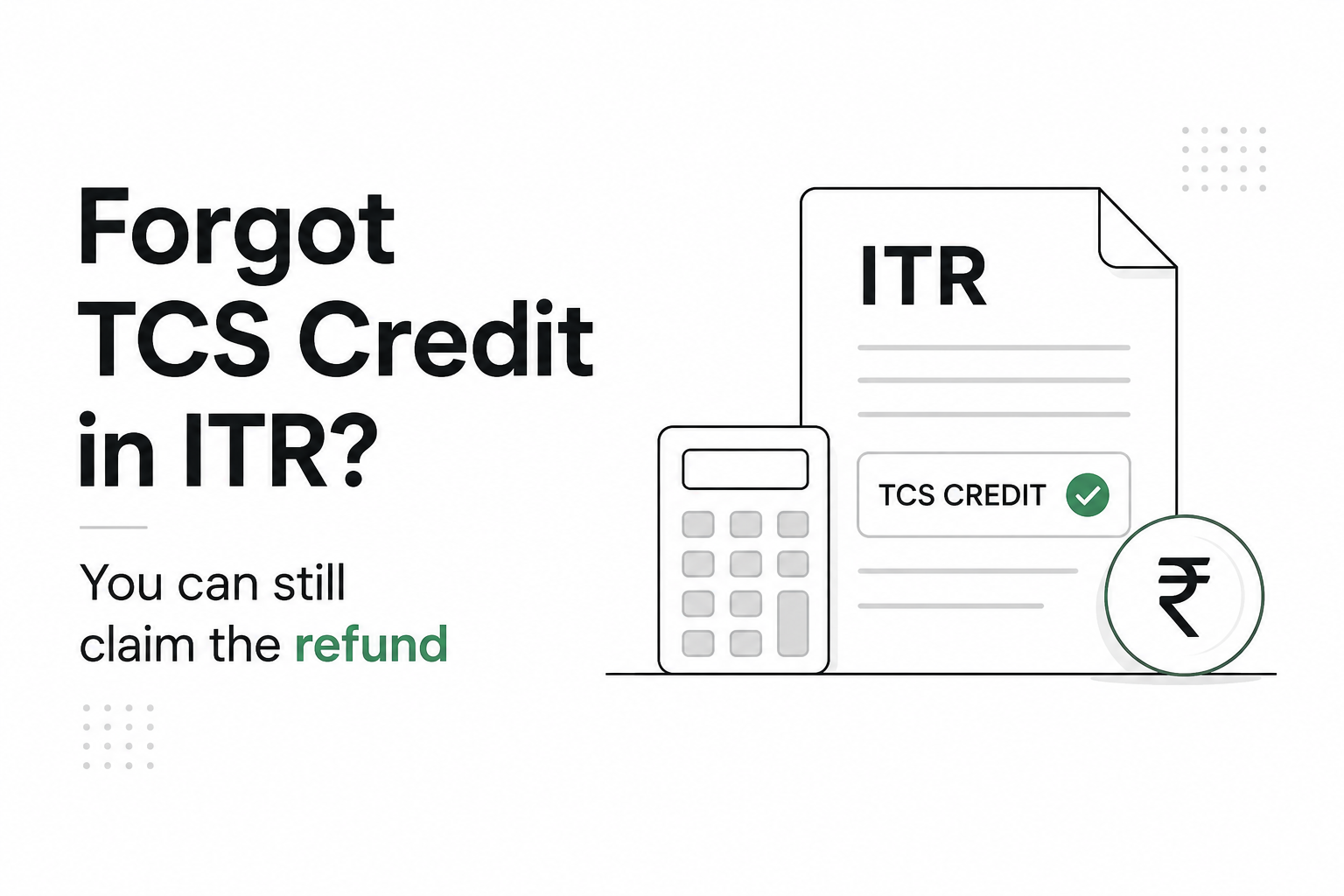
Forgot to claim TCS credit while filing your ITR? The money is not necessarily lost. If the TCS appears in your Form 26AS but was missed in your return, you may still be able to claim the credit and receive the resulting income tax refund.
The right route depends mainly on whether your return has been processed. In many cases, you can file a revised return before the applicable deadline. If CPC has already processed the return and issued an intimation, a rectification request may be available for correcting eligible tax-credit errors.
What is TCS credit in an ITR?
TCS, or Tax Collected at Source, is tax collected from you on certain transactions and deposited with the government against your PAN.
Depending on the applicable tax rules and transaction, TCS may have been collected on payments such as certain overseas remittances or other transactions covered by the TCS provisions.
This amount is not automatically an extra tax cost. When you file your income tax return, eligible TCS reflected against your PAN can generally be used as tax credit against your final tax liability.
For example, suppose your total income tax liability is ₹70,000 and your available tax credits include:
- TDS: ₹55,000
- TCS: ₹25,000
- Total tax credit: ₹80,000
If all credits are eligible and correctly claimed, the ₹10,000 excess may result in a refund, subject to processing by the Income Tax Department.
What happens if you forget to claim TCS in your ITR?
If you leave out TCS while filing your return, your ITR may show a higher tax payable or a lower refund than it should.
Consider this simple example.
| Particulars | Amount |
|---|---|
| Final tax liability | ₹90,000 |
| TDS claimed | ₹80,000 |
| TCS available but not claimed | ₹20,000 |
| Refund after considering TCS | ₹10,000 |
Without claiming the ₹20,000 TCS, the calculation could instead make it appear that you still owe ₹10,000.
The key point is that the TCS should be available in the tax records linked to your PAN. Form 26AS includes details of TCS, along with TDS and various taxes deposited against the taxpayer.
“Start investing with confidence! Explore
0 demat account
and grow your wealth.”
Can you claim TCS after filing your ITR?
Yes, depending on the status of your return and the applicable time limits.
Broadly, there are two routes:
- File a revised ITR if revision is still permitted.
- File a rectification request where the return has already been processed and the circumstances qualify for rectification.
The Income Tax Department’s guidance says that where an eligible tax-credit issue is identified before an intimation under Section 143(1), a revised return can be used. Once an intimation has been received, a rectification request may be available for eligible tax-credit corrections.
Option 1: Claim missed TCS by filing a revised return
A revised return allows you to correct errors or omissions in an ITR that you have already filed.
This is usually the more straightforward option when the revision window for the relevant assessment year is still open.
How to claim TCS in a revised ITR
Before revising your return, check the TCS amount against your tax records.
You can broadly follow these steps:
- Log in to the Income Tax e-Filing portal.
- Check the relevant assessment year’s Form 26AS.
- Confirm that the TCS entry is reflected against your PAN.
- Prepare a revised return for the same assessment year.
- Enter the correct TCS details in the relevant tax-credit schedule.
- Recalculate your tax liability and refund.
- Submit the revised ITR.
- Complete e-verification within the applicable time limit.
Do not claim a TCS amount simply because you have a payment receipt or transaction statement. Verify that the credit is correctly available against your PAN.
The Income Tax Department’s Tax Credit Mismatch service specifically compares TDS, TCS and other tax amounts claimed in an ITR with the credits reflected in Form 26AS.
What is the revised ITR deadline?
The deadline depends on the assessment year and the law applicable to that return.
For example, the Income Tax Department’s current FAQ for AY 2026-27 states that a revised return under Section 139(5) of the Income Tax Act, 1961 can be filed before the expiry of the relevant assessment year, meaning before 31 March 2027, or before completion of the assessment, whichever is earlier.
Always check the deadline applicable to your assessment year rather than relying on a date from an older tax filing season.
Option 2: Claim TCS through a rectification request
What if the ITR has already been processed?
A rectification request may help where there is a mistake apparent from the record in an intimation or eligible order. The Income Tax Department specifically provides rectification options for tax-credit issues.
When can TCS rectification be used?
The portal provides a Tax Credit Mismatch Correction option for correcting eligible details relating to TDS, TCS and tax challans in a processed return.
The Department also states that taxpayers should not claim credits that are not part of Form 26AS while making such corrections.
A rectification request is therefore not a way to invent a new tax credit. The underlying TCS should be supported by the tax records available to the Department.
How to file a TCS rectification request
The exact portal screens can change, but the Income Tax Department’s current user manual broadly provides the following process:
- Log in to the Income Tax e-Filing portal.
- Go to the rectification service.
- Select the relevant assessment year and order or intimation.
- Choose Tax Credit Mismatch Correction, where applicable.
- Review the tax schedules populated from your processed return.
- Correct the relevant TCS details.
- Submit the rectification request.
- Complete e-verification where required.
The rectification interface includes schedules for TDS, TCS, advance tax and self-assessment tax details.
Revised return vs rectification: Which should you use?
The two options serve different purposes.
| Situation | Possible route |
|---|---|
| ITR filed, revision still permitted | Revised return |
| Tax-credit error identified before Section 143(1) intimation | Revised return may be appropriate |
| ITR processed and eligible TCS credit needs correction | Rectification may be available |
| TCS itself is missing or incorrect in Form 26AS | Get the underlying TCS reporting corrected first |
| You want to add new income or make changes beyond a rectifiable error | Rectification may not be the correct route |
A rectification request is meant to correct eligible mistakes apparent from the record. It should not be treated as a substitute for revising the return whenever you want to make broader changes.
What if the TCS is not showing in Form 26AS?
This is an important distinction.
If you forgot to claim a TCS credit that is already available in Form 26AS, the problem is with your ITR.
If the TCS itself does not appear correctly in Form 26AS, simply adding the amount to your return may not solve the issue. The Income Tax Department notes that tax credit allowed is restricted to the amount reflected in Form 26AS.
Check details such as:
- Your PAN
- TCS amount
- Assessment and financial year
- Collector details
- Whether the transaction has been reported correctly
- Whether the credit belongs to you
If there is a reporting error, you may need to contact the tax collector so the underlying TCS statement can be corrected.
How can you check for a TCS mismatch online?
The e-Filing portal has a Tax Credit Mismatch service.
According to the Income Tax Department, you can log in and go to Services > Tax Credit Mismatch, select the relevant assessment year, and view differences between the TDS, TCS or other tax credits reported in your ITR and the amounts reflected in Form 26AS.
This check is useful before you decide whether a revised return or rectification is needed.
Will claiming missed TCS automatically give you a refund?
Not necessarily.
TCS is a tax credit. Whether it results in a refund depends on your final tax calculation.
For instance, if your total tax liability is ₹1 lakh and your combined TDS and TCS credits are ₹1.15 lakh, the excess ₹15,000 may become refundable.
But if your total tax liability is ₹1.20 lakh, the same ₹1.15 lakh in credits would still leave ₹5,000 payable.
Your refund is therefore based on the final tax liability after considering eligible income, deductions, taxes and credits, not simply on the amount of TCS collected.
Common mistakes to avoid while claiming TCS credit
A missed TCS claim is often fixable, but avoid creating a second mismatch while correcting the first one.
Check the following before submitting:
- Confirm the TCS in Form 26AS.
- Select the correct assessment year.
- Enter TCS details in the correct schedule.
- Do not claim the same credit twice.
- Recheck your final tax computation.
- Make sure your bank account details are correct for receiving a refund.
- E-verify the revised return or request where required.
Also keep copies of the relevant Form 26AS, original ITR, revised return or rectification acknowledgement, and tax records for your reference.
FAQs
Q. Can I claim TCS if I forgot to include it in my original ITR?
Yes, subject to eligibility and applicable deadlines. If revision is available, you may be able to file a revised return. For eligible tax-credit errors after processing, rectification may be available.
Q. Can I claim TCS through rectification?
A rectification request can be used for eligible tax-credit errors after an ITR has been processed. The Income Tax Department provides a Tax Credit Mismatch Correction option covering TCS details.
Q. What should I do if TCS is in Form 26AS but not claimed in my ITR?
First check whether you can still file a revised return. If your return has already been processed and the issue qualifies for rectification, you can explore the Tax Credit Mismatch Correction option.
Q. What if TCS is not showing in Form 26AS?
Check whether your PAN and transaction details were correctly reported. If the collector has reported the TCS incorrectly or has not reported it, you may need to ask the collector to correct the relevant statement. Do not claim unsupported tax credit merely on the assumption that TCS should have been reported.
Q. Is TCS the same as TDS?
No. TDS is generally tax deducted from specified payments made to you, while TCS is tax collected from you on specified transactions. Both can form part of the tax credits available against your PAN.
Q. Can missed TCS increase my income tax refund?
Yes. If your eligible TCS credit exceeds the amount required to meet your final tax liability after considering other tax credits, claiming it correctly can increase your refund.
Q. Where can I check the TCS available against my PAN?
Form 26AS contains TCS information along with TDS and other tax-payment details. You can also use the Tax Credit Mismatch service on the Income Tax e-Filing portal to compare the credits claimed in your ITR with those available in Form 26AS.
Key takeaways
- Forgetting to claim TCS in your ITR does not automatically mean you lose the credit.
- Check Form 26AS first to confirm that the TCS is available against your PAN.
- If revision is permitted, a revised ITR can be used to correct an omitted tax-credit claim.
- After processing, eligible tax-credit errors may be corrected through a rectification request.
- Do not claim TCS that is not supported by the tax records available against your PAN.
- Correctly claiming missed TCS can result in a higher refund if your total tax credits exceed your final tax liability.
Disclaimer
The stocks mentioned in this article are not recommendations. Please conduct your own research and due diligence before investing. Investment in securities market are subject to market risks, read all the related documents carefully before investing. Please read the Risk Disclosure documents carefully before investing in Equity Shares, Derivatives, Mutual fund, and/or other instruments traded on the Stock Exchanges. As investments are subject to market risks and price fluctuation risk, there is no assurance or guarantee that the investment objectives shall be achieved. Lemonn (Formerly known as NU Investors Technologies Pvt. Ltd) do not guarantee any assured returns on any investments. Past performance of securities/instruments is not indicative of their future performance.
Related Posts

Download Lemonn
Download my app for share market trading, ipo investment, trading account, and all your investment needs.



