
Trade FnO
with confidence using Zing
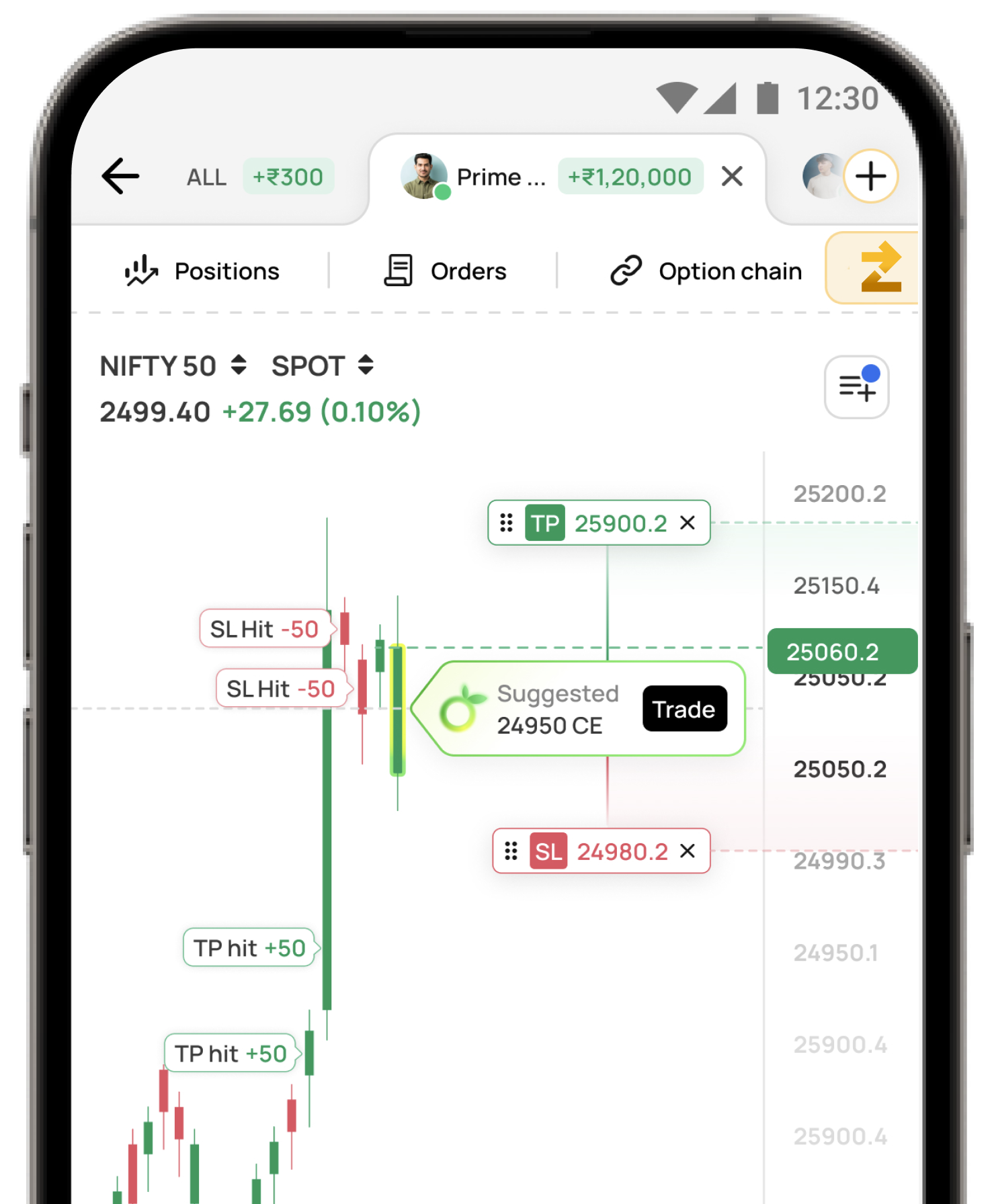
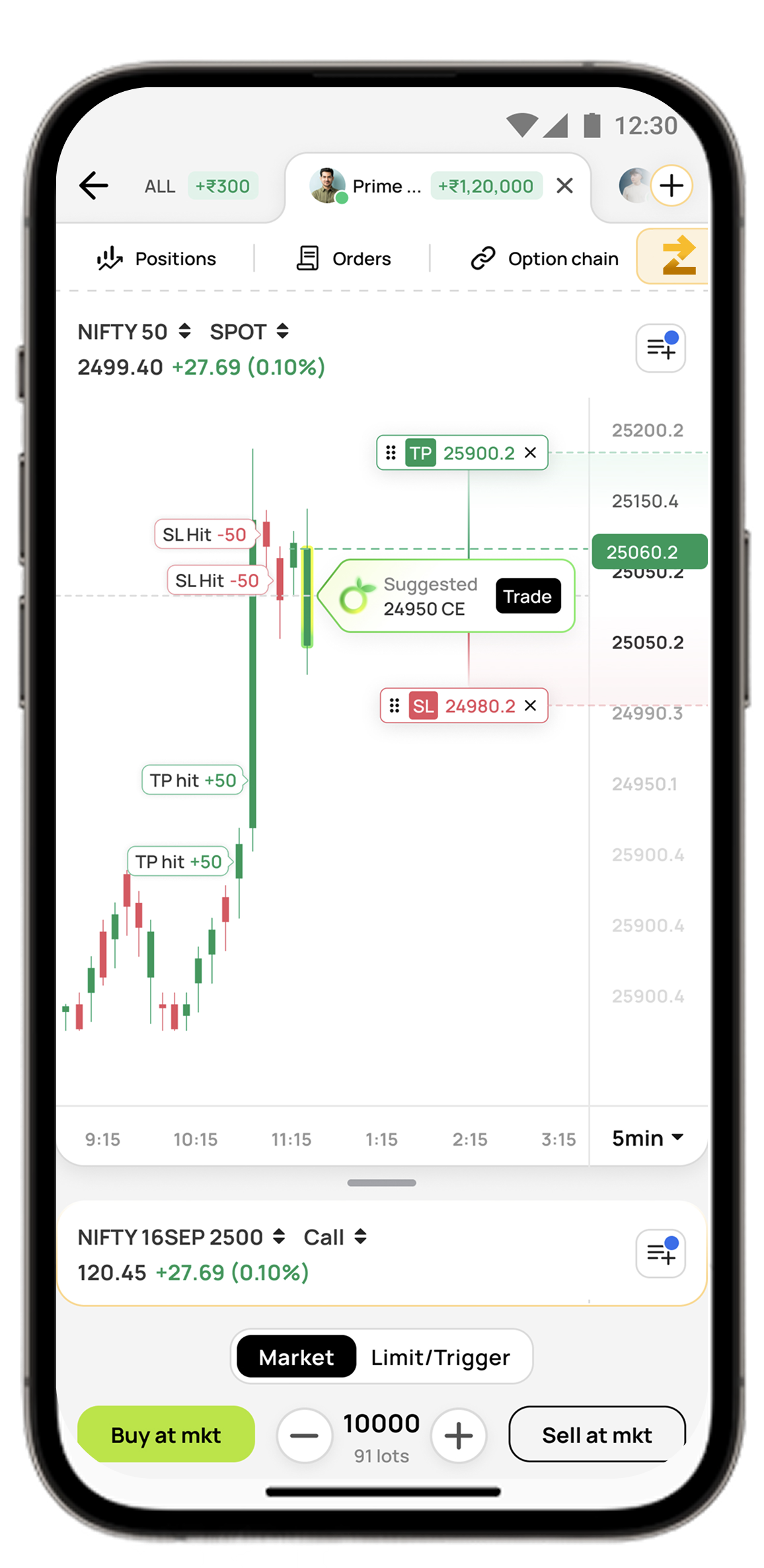
Get real-time trading signals with clear entry points, target profits,
and stop losses. Let strategy do the heavy lifting.
Why Choose ZING?
Built for traders who value discipline and data
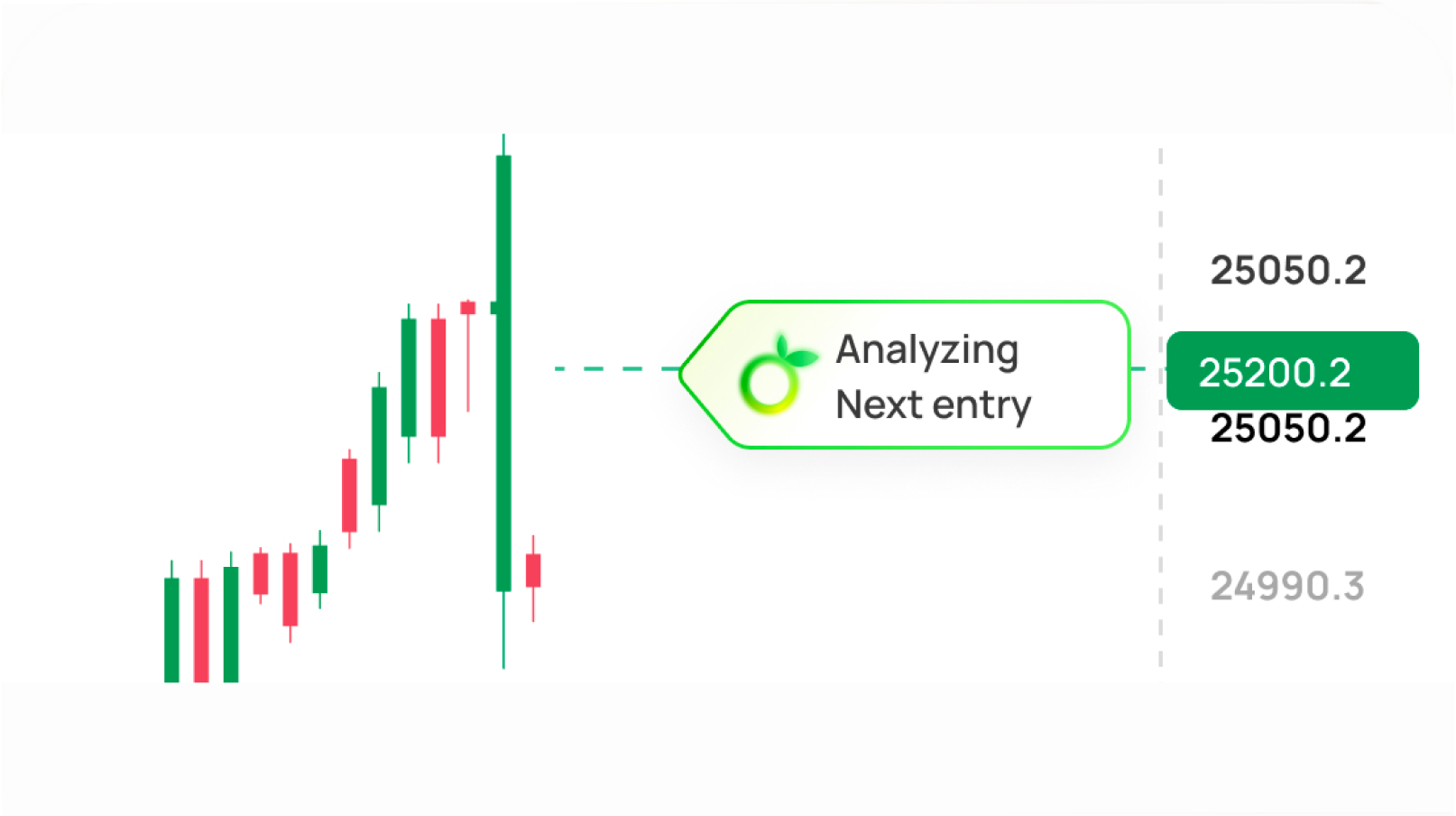
Real-Time Signals
Get instant FnO trade ideas powered by advanced indicator-driven systems. No manual analysis needed.
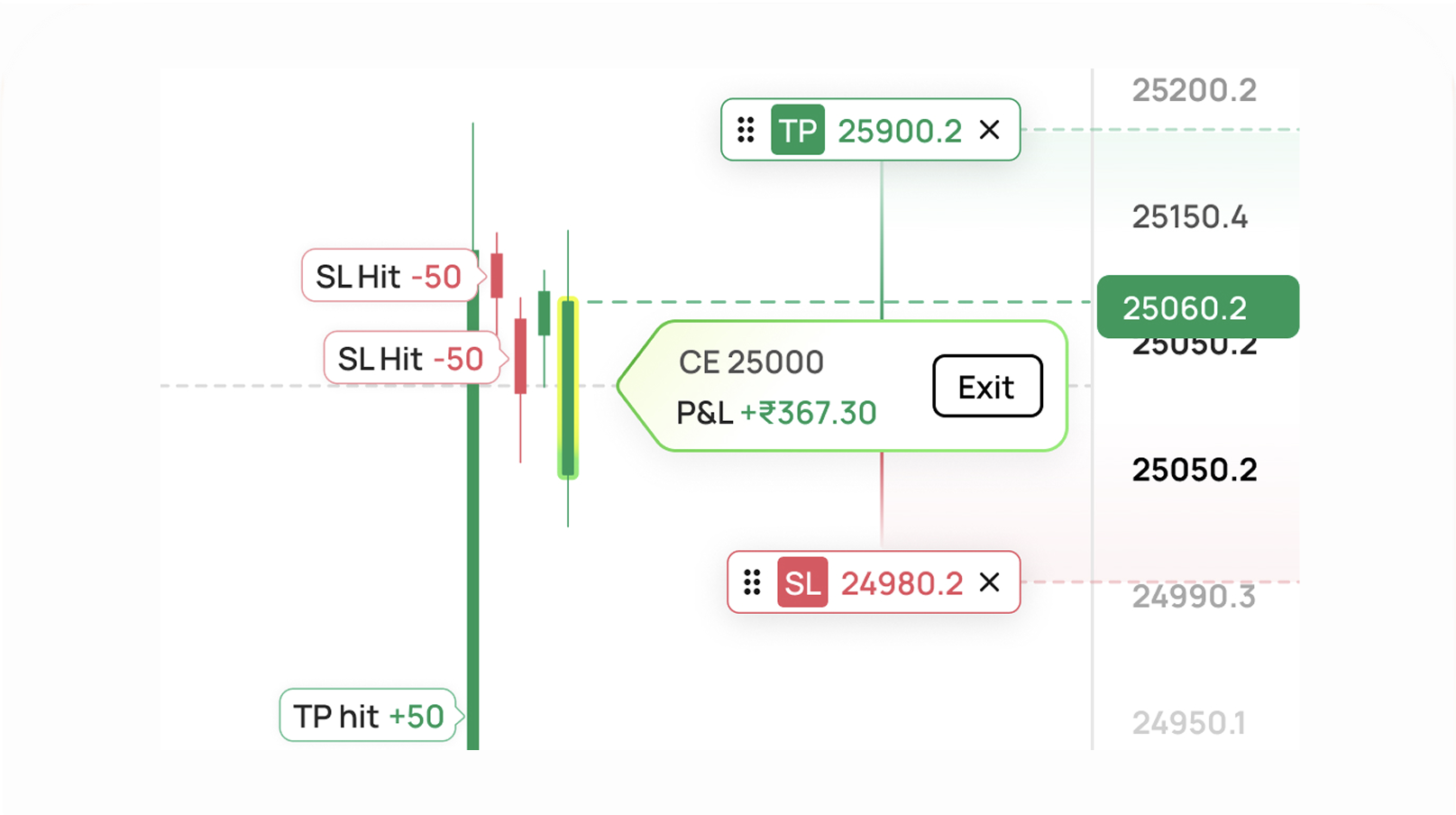
Clear Entry & Exit
Every signal comes with clearly defined entry points, target profit levels, and stop loss values for risk management.
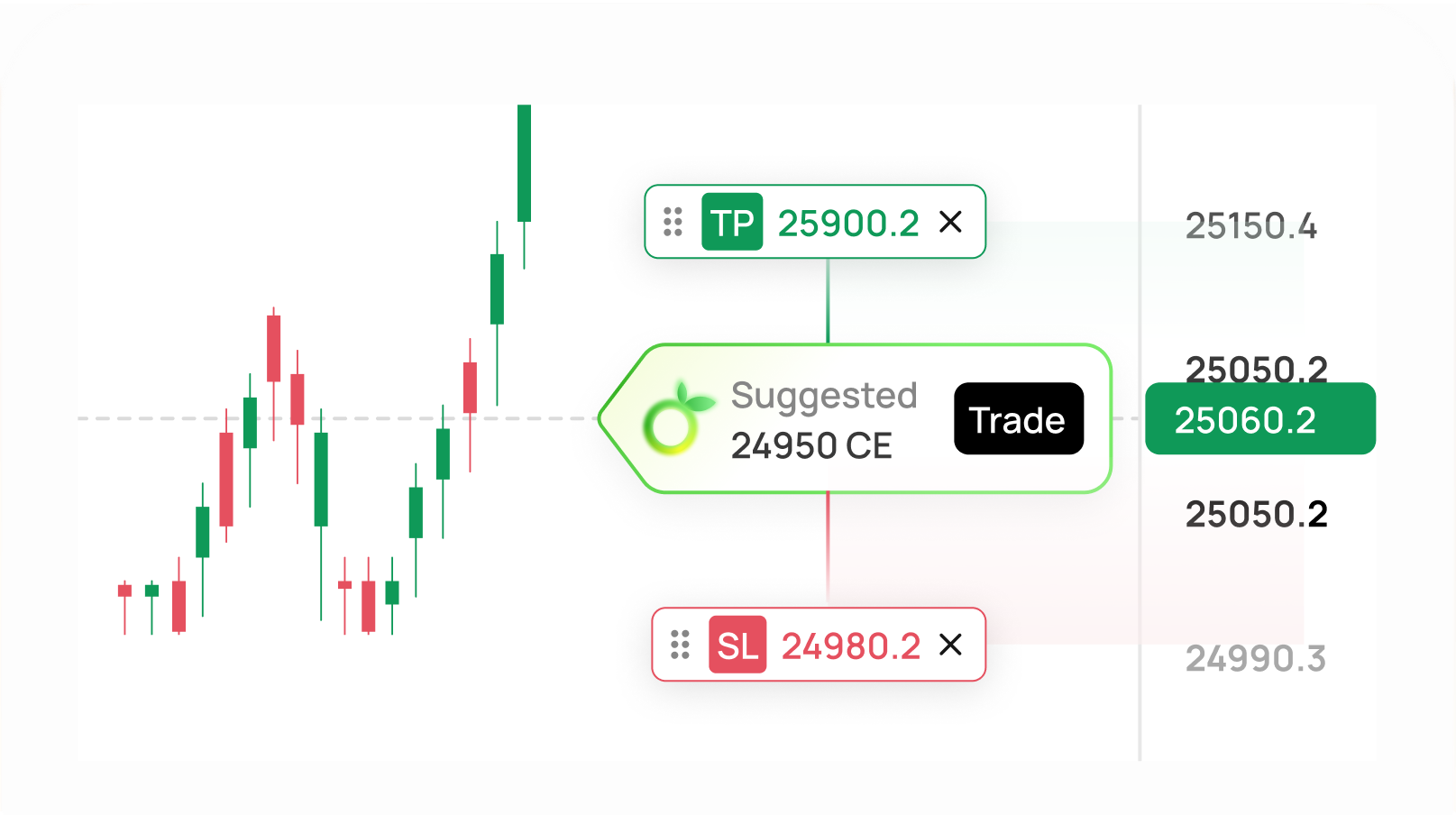
Risk Management
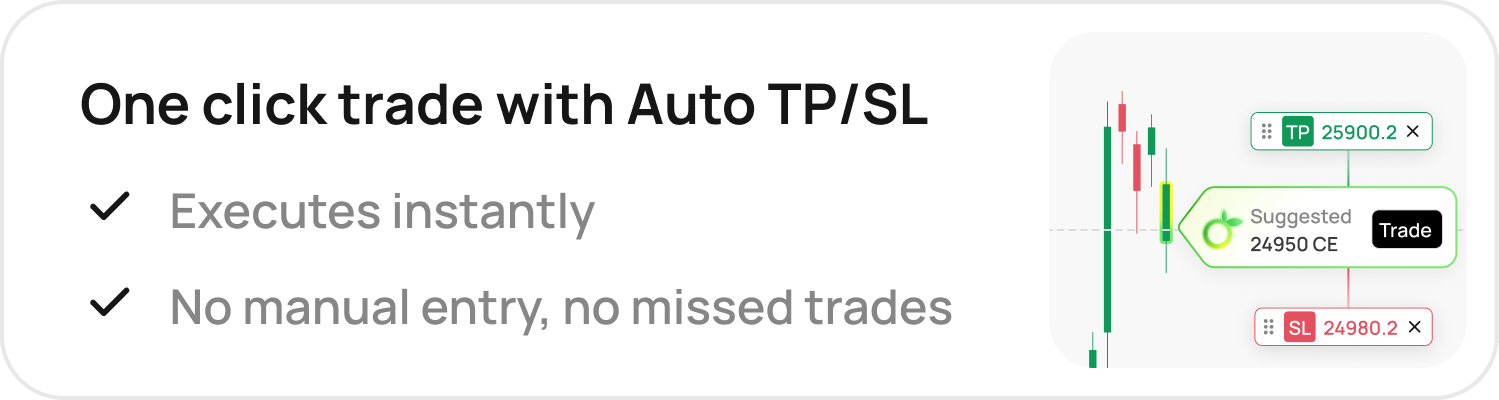
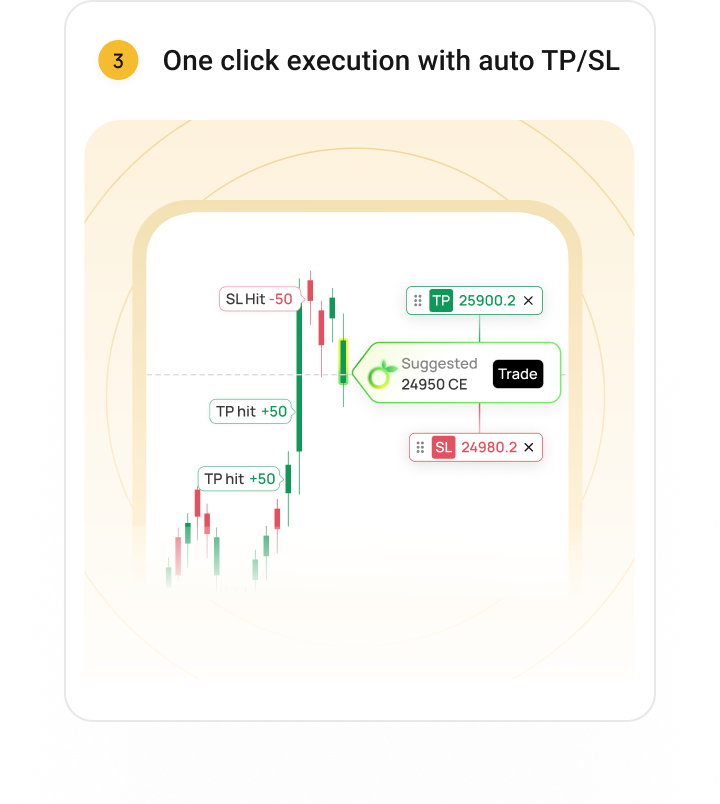
Every trade comes with Auto TP/SL pre-set, so you trade with defined risk, always, without manual effort.
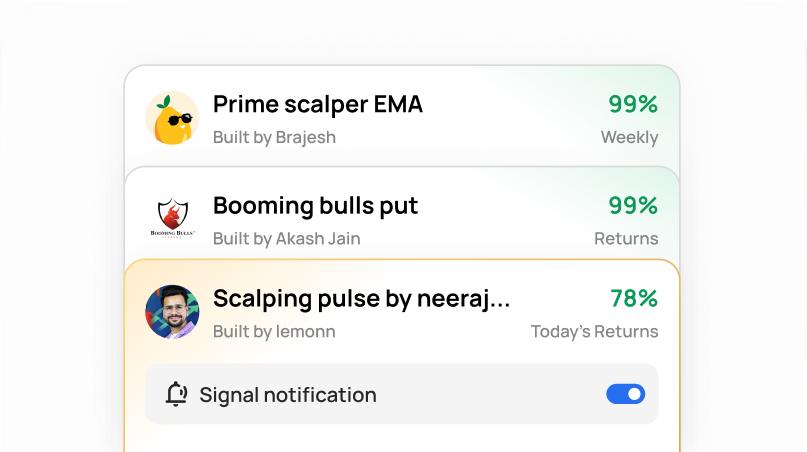
Multiple Strategies
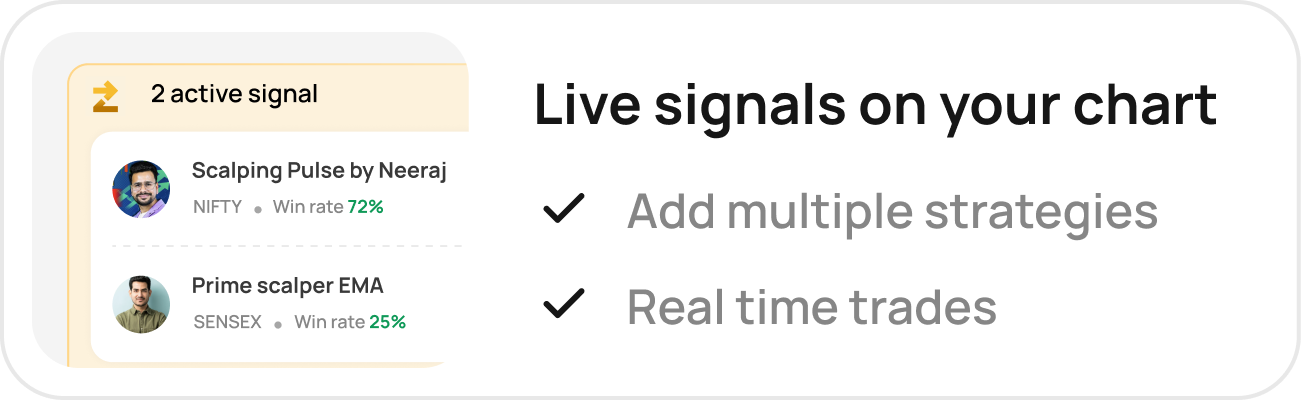
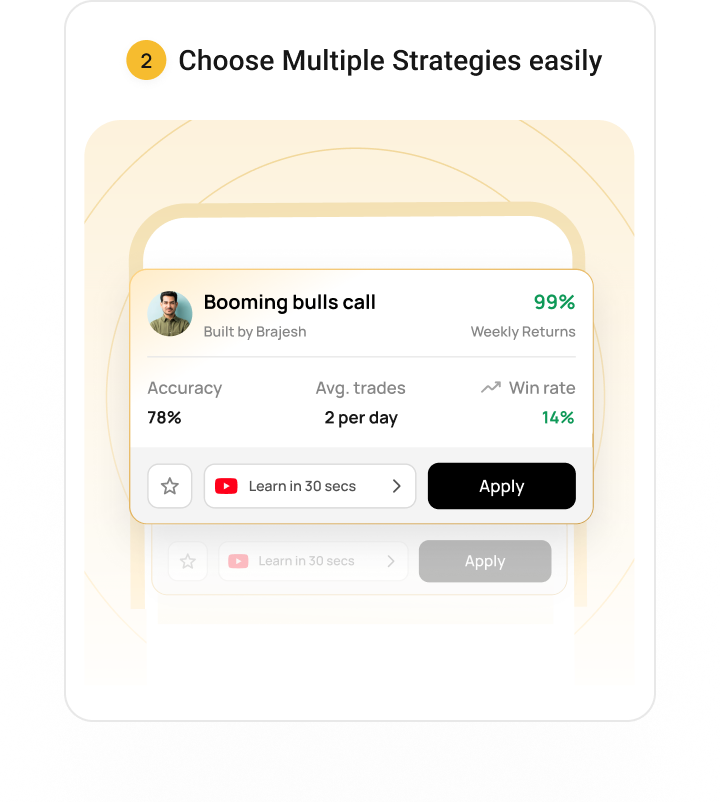
Choose from various pre-built strategies or combine multiple for personalized trading.
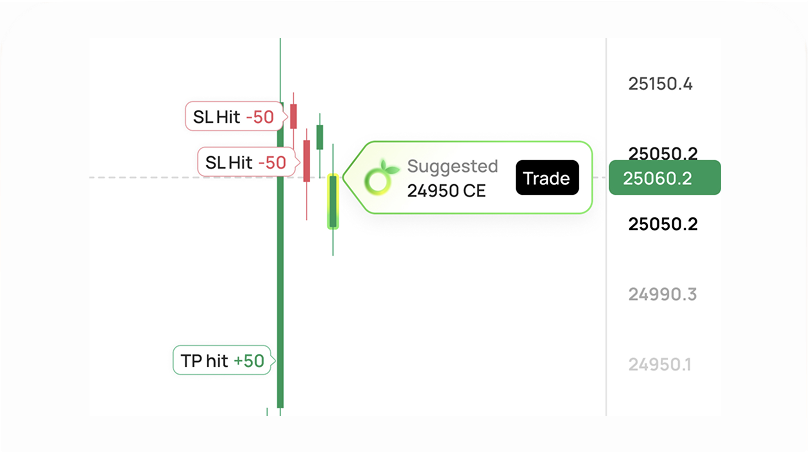
Full Control
You decide. ZING suggests signals, but you manually confirm every trade execution.
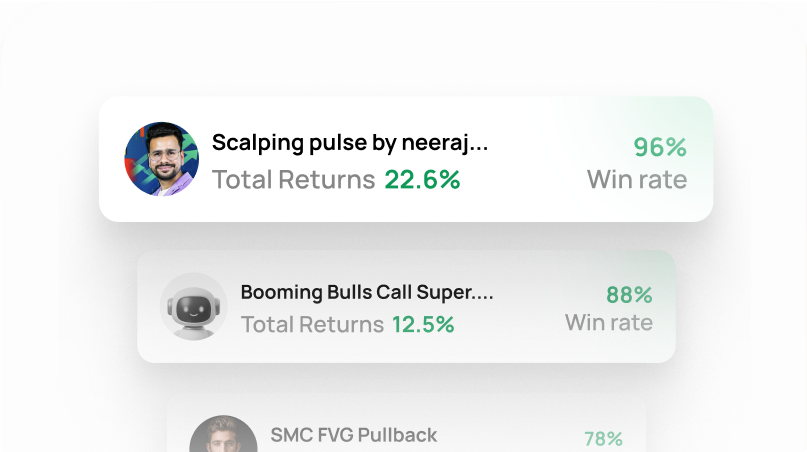
Data-Driven
Choose strategies based on performance metrics, not emotions or guesswork.
Real-Time Signals
Get instant FnO trade ideas powered by advanced indicator-driven systems. No manual analysis needed.
Clear Entry & Exit
Every signal comes with clearly defined entry points, target profit levels, and stop loss values for risk management.
Risk Management
Every trade comes with Auto TP/SL pre-set, so you trade with defined risk, always, without manual effort.
Multiple Strategies
Choose from various pre-built strategies or combine multiple for personalized trading.
Full Control
You decide. ZING suggests signals, but you manually confirm every trade execution.
Data-Driven
Choose strategies based on performance metrics, not emotions or guesswork.
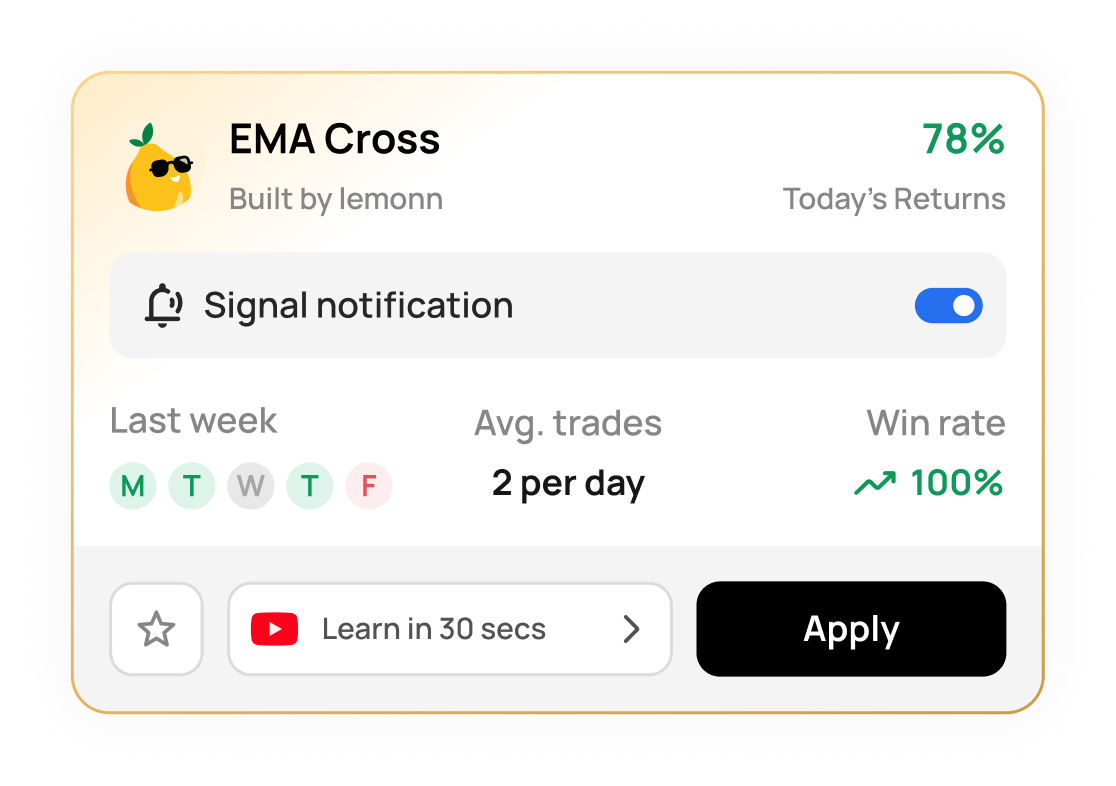
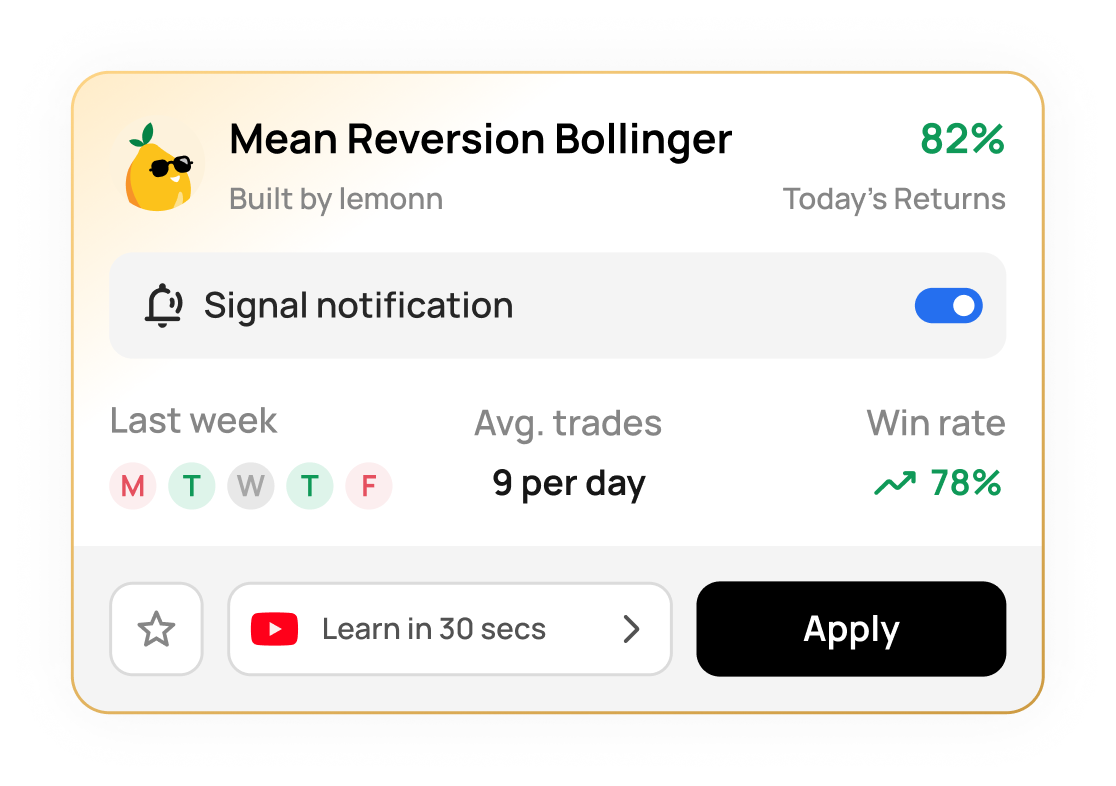
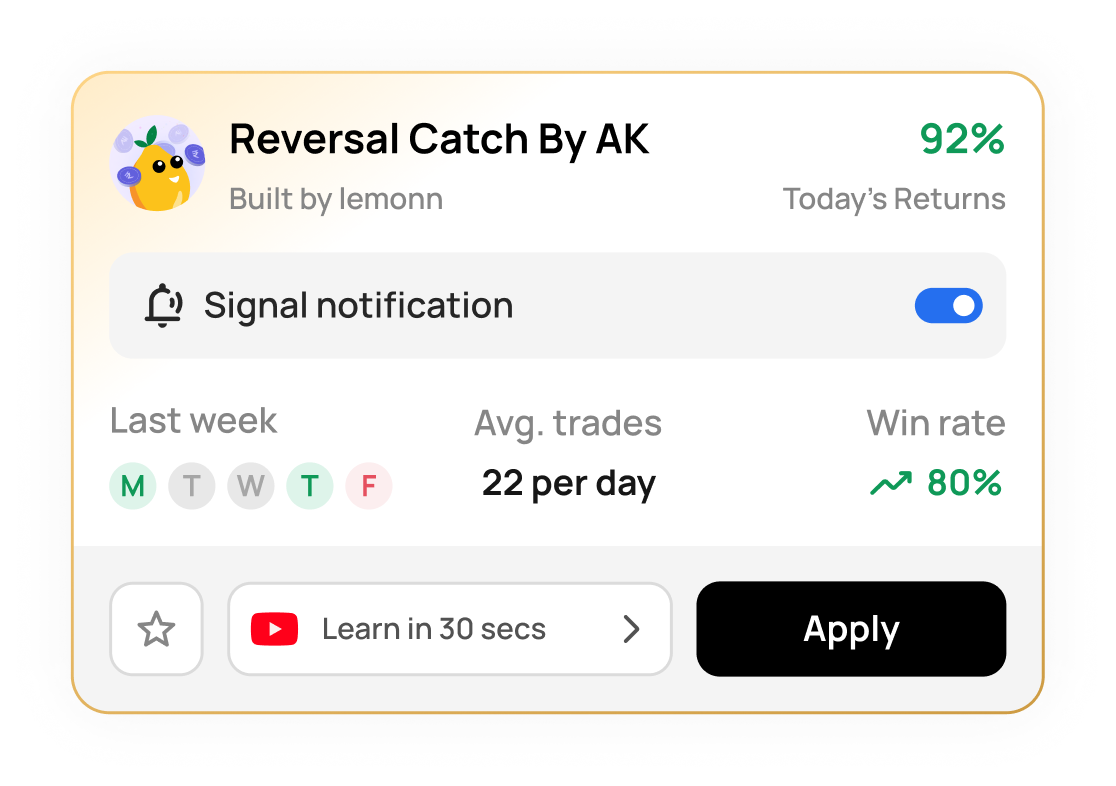
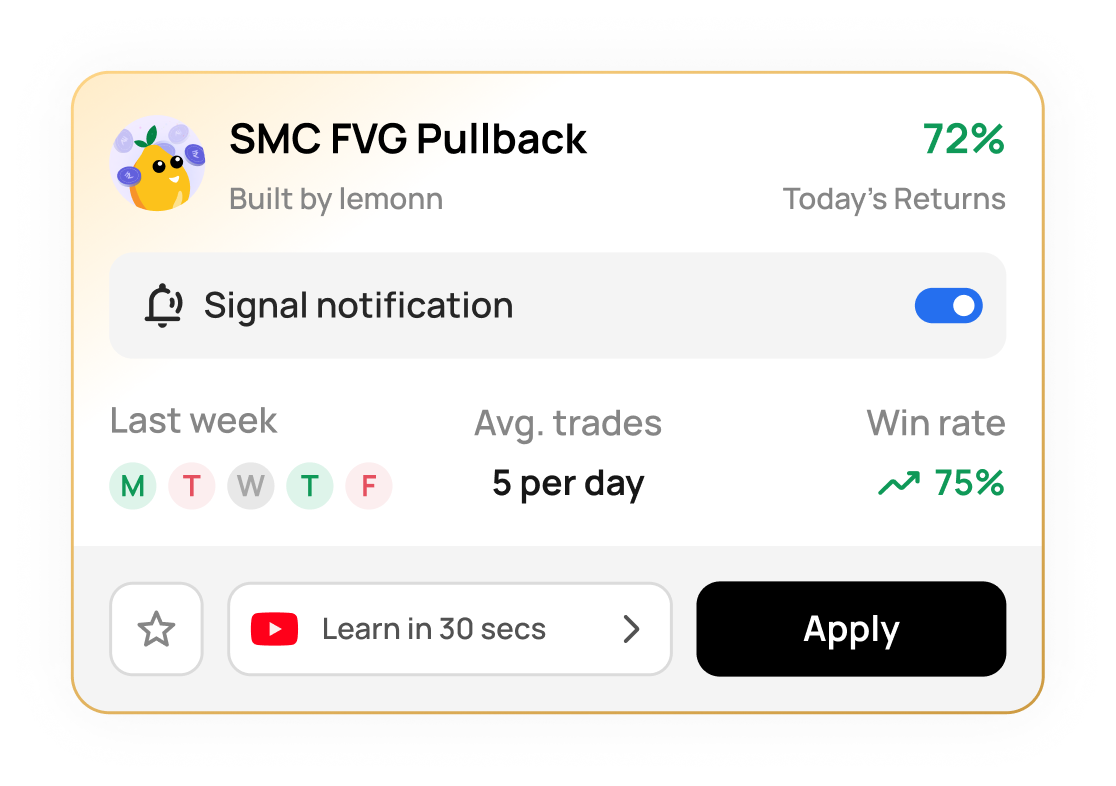
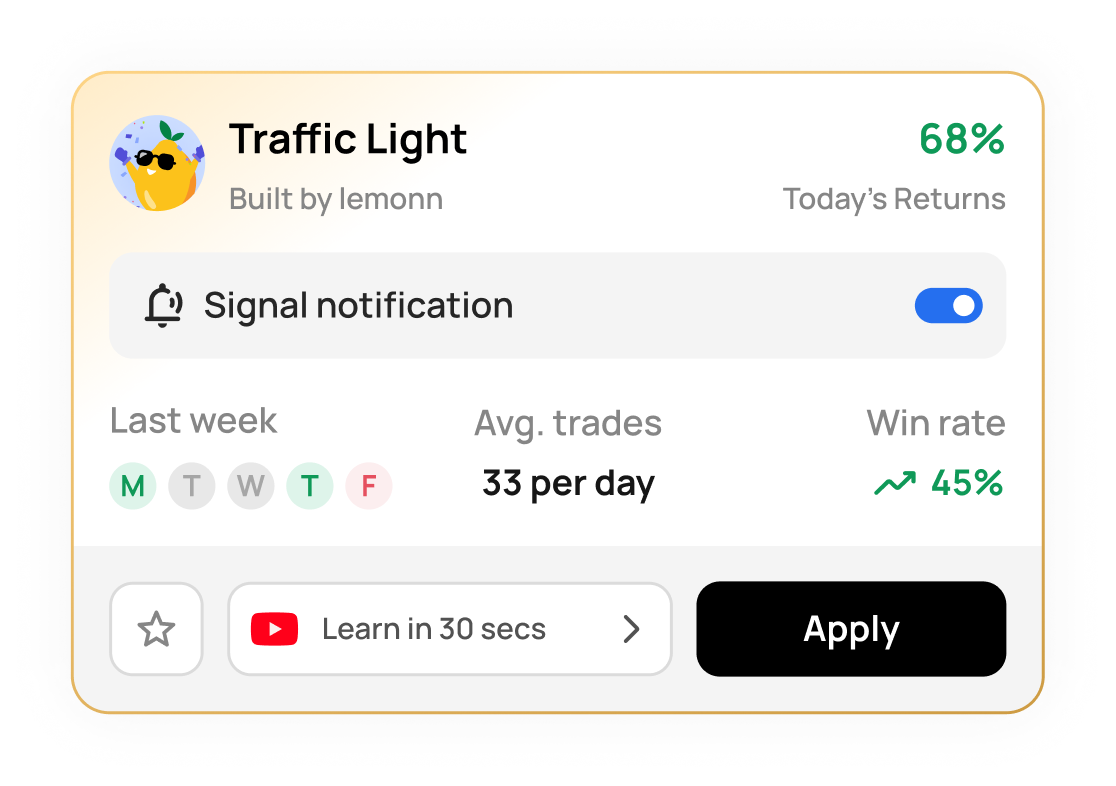
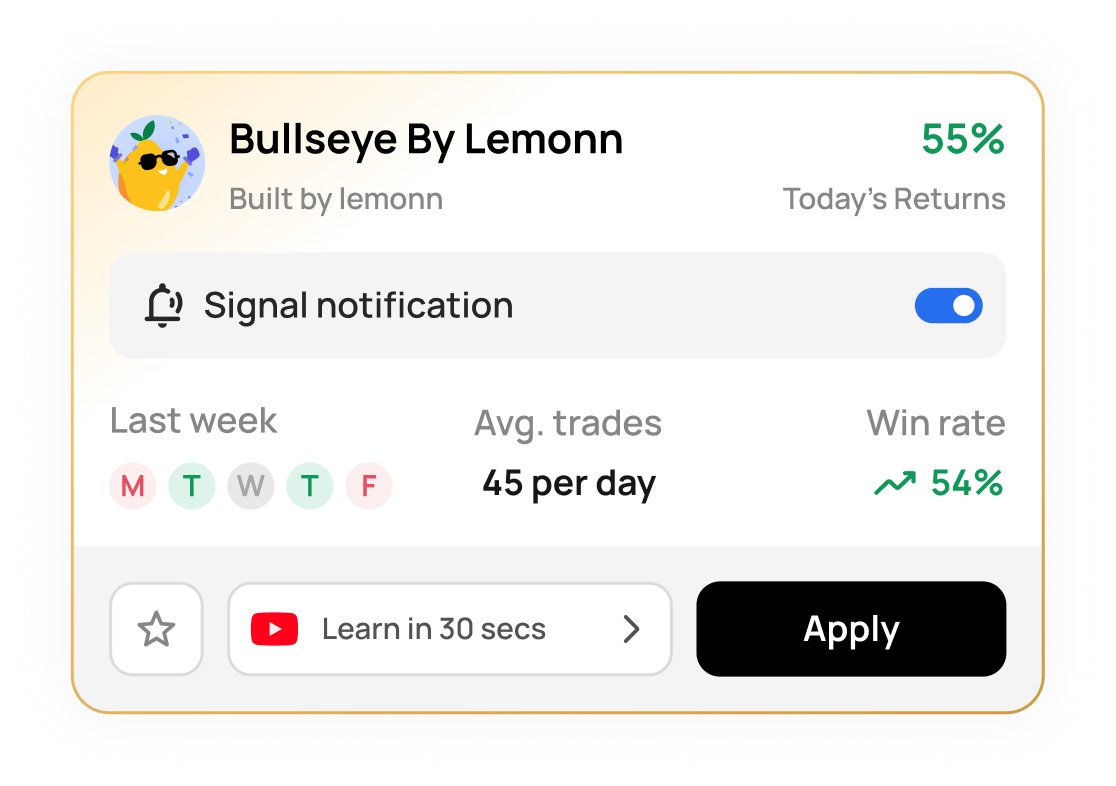
Our best strategies, ready for you
Backed by data. Powered by Zing.
Learn strategies under 30 second
Quick lessons from the experts.
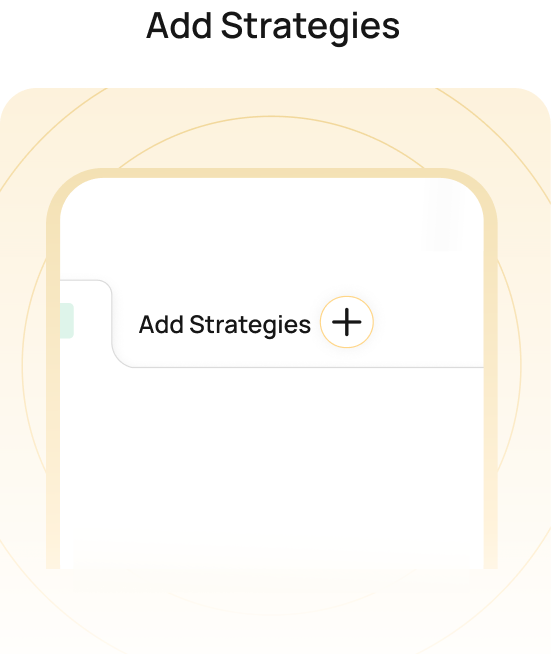
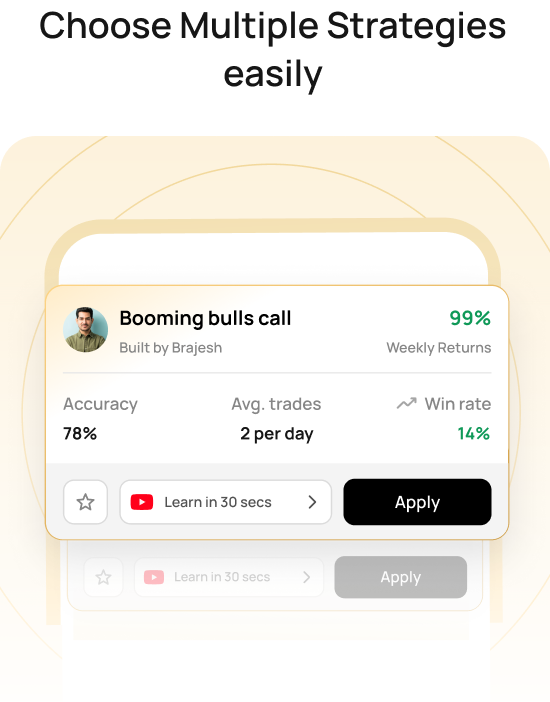
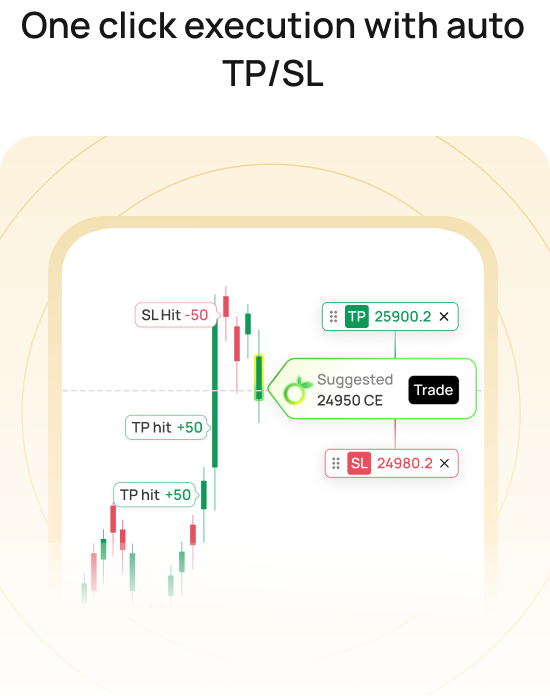
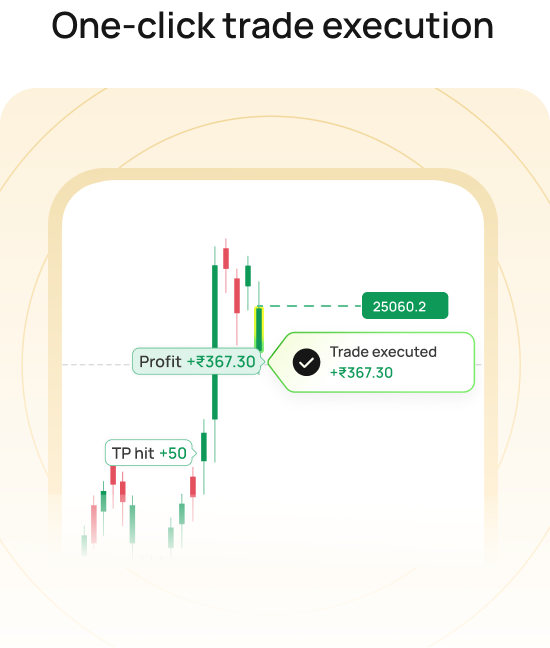
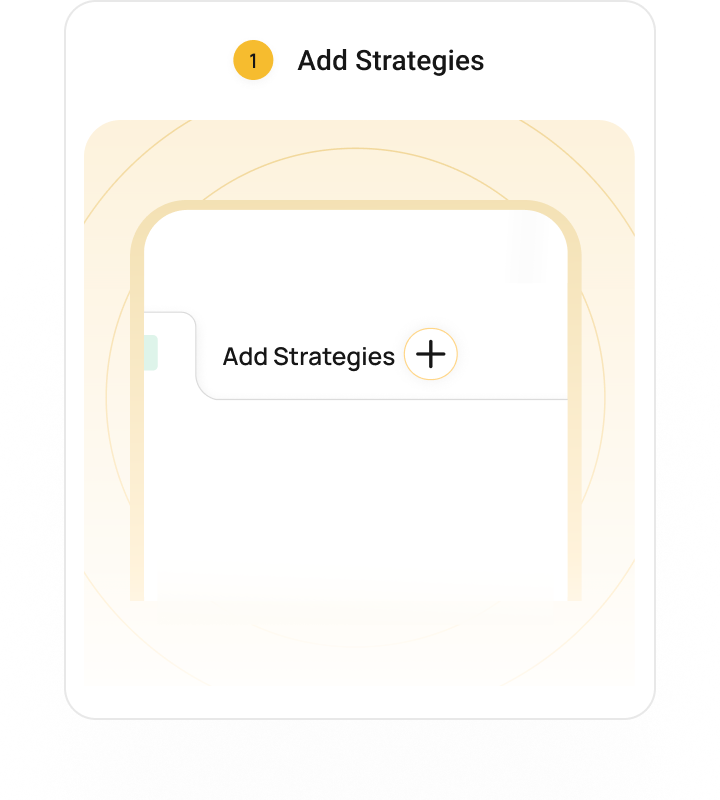
How Zing Works?
Simple step process to structured trading
Check why people love ZING
Trusted by traders worldwide.
Frequently Asked Questions
Answers to the most common questions from our users.
ZING takes the hardest part of F&O off your plate - deciding what to trade, when to enter, where to place your stop-loss, and when to exit. Instead of jumping between charts, Telegram channels, and your broker app, you get strategy-led trade setups with defined entry, target, and stop-loss right inside the Lemonn app, so you can move from idea to execution without the guesswork.
Yes. ZING is built around a range of named, structured strategies - like Scalping Pulse, Prime EMA Scalper, Swing King, and the BB SuperTrend setups - so you can pick the framework that matches your market view and risk appetite rather than relying on random calls.
Every ZING signal comes with a predefined stop-loss and target built into the setup, so your risk and exit levels are clear before you enter. ZING is a manual-execution product, though - you place and manage the trade yourself, so you stay in full control rather than handing it to automation.
ZING is broker-native to Lemonn - signal discovery and execution happen inside the same Lemonn app, which is exactly what removes the friction of copying ideas from one platform to another. You'd trade through your Lemonn account.
Because signals and execution live in the same app, there's no lag from switching tools - you act on a setup the moment you decide. Lemonn is built as a superfast trading app, so placement is quick; actual fill speed depends on live market conditions.
Better Signals. Smarter Trades.
Stronger Results.
Stop missing trading opportunities. Get real-time signals and
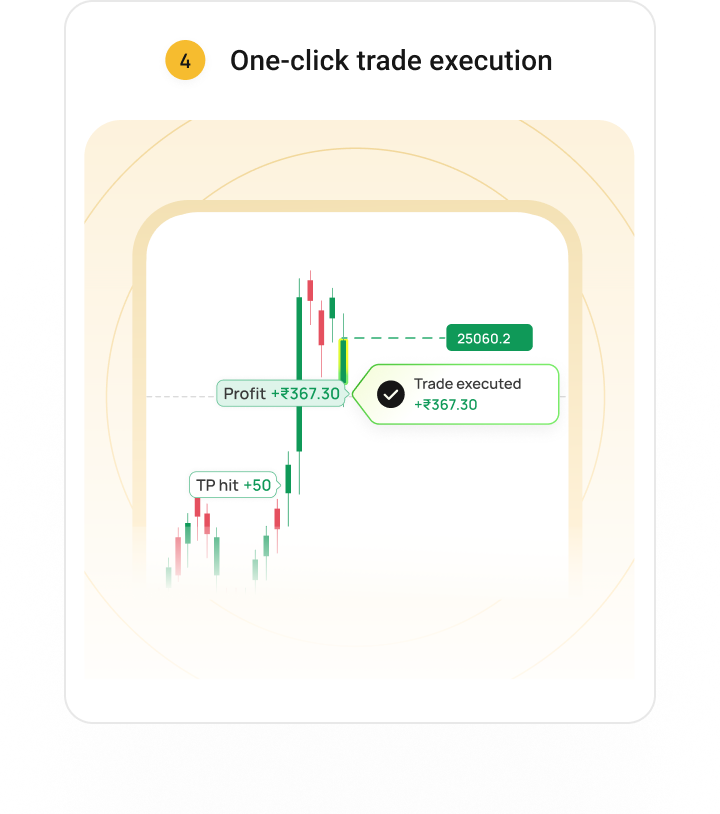
one-click execution directly on your chart.