ITR Refund Status: How to Track Your Tax Refund Online
 Written by Supratim Choudhury
 Reviewed by Gaurav Garg, SEBI-registered Research Analyst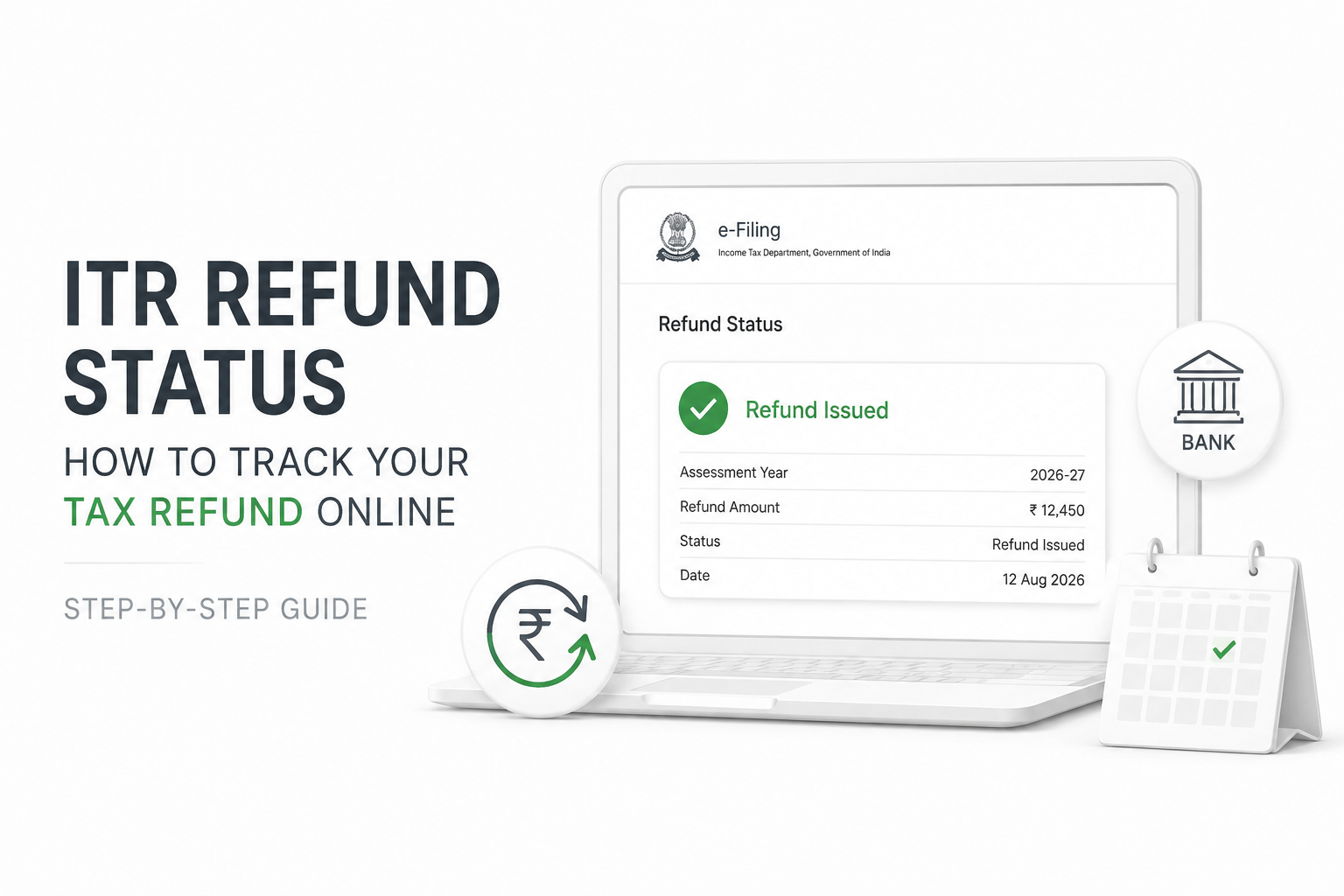
If you have filed your Income Tax Return (ITR) and are expecting a refund, you can track your ITR refund status online through the Income Tax Department’s e-Filing portal.
The process takes only a few minutes. Log in to your account, open your filed returns, select the relevant assessment year, and check the refund status under “View Details”. Refund processing begins only after your ITR has been successfully e-verified.
ITR refund status: What is the latest update?
As of early October 2026, the Income Tax Department’s e-Filing portal shows that ITR-1 through ITR-7 for Assessment Year (AY) 2026-27 are available for filing through both online and offline utilities.
Taxpayers who have filed their returns and are eligible for a refund should remember that filing the ITR alone does not start refund processing. The return must first be e-verified.
According to the Income Tax Department’s refund-status guidance, refunds usually take around four to five weeks after e-verification to reach the taxpayer’s bank account. This is an indicative timeline, not a guaranteed date. It can take longer if the return requires additional checks or there is an issue with the taxpayer’s details.
How to check ITR refund status online
Here is the quickest way to track your income tax refund through the official e-Filing portal.
“Start investing with confidence! Explore
0 demat account
and grow your wealth.”
Step 1: Visit the Income Tax e-Filing portal
Go directly to the official Income Tax Department e-Filing portal.
Avoid opening refund-related links received through unknown SMS messages, emails, or social media accounts. The Income Tax Department advises taxpayers not to respond to suspicious messages or share confidential financial information.
Step 2: Log in to your account
Enter your user ID and password to access your e-Filing account. For individual taxpayers, the Permanent Account Number (PAN) is generally used as the user ID.
Step 3: Open your filed returns
After logging in, follow this path:
e-File > Income Tax Returns > View Filed Returns
You will see the returns filed through your account.
Step 4: Select the relevant assessment year
Find the ITR for the assessment year for which you are expecting the refund. For example, income earned during Financial Year (FY) 2025-26 is generally reported in AY 2026-27.
Step 5: Click “View Details”
Select View Details for the relevant return. The portal displays the return’s lifecycle and applicable refund status.
What do different ITR refund statuses mean?
The Income Tax Department’s refund-status guidance identifies several possible outcomes, including a refund being issued, partially adjusted, fully adjusted, or failed.
| Refund status | What it generally means |
| Refund issued | The department has issued the refund |
| Refund partially adjusted | Part of the refund has been adjusted, such as against an applicable outstanding demand |
| Full refund adjusted | The refund amount has been fully adjusted |
| Refund failed | The refund could not be credited successfully |
If you see an adjustment against your refund, check the relevant intimation and outstanding-demand information in your e-Filing account before taking further action.
Why has my income tax refund not arrived yet?
A refund does not necessarily arrive immediately after an ITR is filed.
First, check whether your return has been e-verified. The Income Tax Department states that refund processing starts only after e-verification, and its guidance says refunds usually take four to five weeks to be credited after this stage.
If that period has passed, check:
- Your ITR processing status
- Notices or intimations on the e-Filing portal
- Emails sent by the Income Tax Department
- Your registered bank account details
- Bank account validation status
- PAN-Aadhaar linking status, if the linking requirement applies to you
- Any refund-adjustment or refund-failure message
A delay does not automatically mean your refund has been rejected. The return may still be under processing or may require action from you.
Why can an ITR refund fail?
Bank-account and PAN-related issues are among the reasons a refund may fail.
According to the Income Tax Department, possible reasons include:
- The bank account is not pre-validated.
- The name in the bank account does not match PAN details.
- The Indian Financial System Code (IFSC) is invalid.
- The bank account mentioned in the ITR has been closed.
- PAN is inoperative because it is not linked with Aadhaar, where linking is mandatory.
The department also states that only a validated bank account can be nominated to receive an income tax refund.
Check your bank account before waiting for the refund
Log in to the e-Filing portal and review the bank account registered for refunds. Make sure the account is active, linked with the correct PAN, and successfully validated. The Income Tax Department allows taxpayers to add and validate accounts, revalidate failed accounts, and nominate a validated account for refunds.
What if your refund status shows “Refund Failed”?
A failed refund does not necessarily mean you have lost the refund amount. Once the underlying issue is corrected, eligible taxpayers can submit a Refund Reissue Request through the e-Filing portal. The facility is available when an issued refund has failed.
To submit a refund reissue request:
- Log in to the Income Tax e-Filing portal.
- Go to Services > Refund Reissue.
- Select Create Refund Reissue Request.
- Choose the relevant refund record.
- Select the validated bank account where you want the refund.
- Proceed to verification and complete e-verification.
After successful e-verification, the portal displays a transaction ID for future reference.
For certain bank-account-related refund failures, Income Tax Department campaign communications state that credit may take around 7 to 10 days after a refund reissue request is submitted.
What if your PAN is not linked with Aadhaar?
If you are required to link PAN with Aadhaar and your PAN becomes inoperative because it is not linked, your refund can fail, or a determined refund can be held.
A communication from the Centralised Processing Centre, dated 17 September 2026, states that Section 139AA(2), read with Rule 114AAA, allows holding a determined refund and applicable interest under Section 244A when PAN is inoperative due to not being linked with Aadhaar.
However, Aadhaar-PAN linking exemptions apply to certain individuals under the relevant Central Board of Direct Taxes notification. If you believe you fall within an exempt category, follow the Income Tax Department’s procedure for getting the exemption status updated.
How long does an ITR refund take?
The Income Tax Department currently says that an income tax refund usually takes around four to five weeks after the ITR is e-verified. Treat this as a typical timeline, not a guaranteed refund date.
Processing may take longer if:
- The return requires additional verification.
- Tax details do not match department records.
- There is an outstanding tax demand.
- Bank-account validation fails.
- PAN is inoperative.
- The taxpayer receives an intimation requiring action.
If you have crossed the typical processing period (four to five weeks after the ITR is e-verified), check the return lifecycle and any communication from the department rather than filing another return simply because the refund has not arrived.
Key takeaways
- Track your ITR refund status through the official Income Tax e-Filing portal.
- Go to e-File > Income Tax Returns > View Filed Returns > View Details to check the status.
- Refund processing begins only after your return is successfully e-verified.
- The Income Tax Department says refunds usually take around four to five weeks after e-verification.
- Keep your refund bank account active, linked with the correct PAN, and validated on the e-Filing portal.
- An inoperative PAN can affect the release of your refund where Aadhaar-PAN linking is mandatory.
- If a refund fails, correct the underlying issue and submit a Refund Reissue Request where applicable.
Frequently Asked Questions (FAQs)
Q: How can I check my ITR refund status online?
A: Log in to the Income Tax e-Filing portal and go to e-File > Income Tax Returns > View Filed Returns. Select the relevant assessment year and click View Details to see the return lifecycle and refund status.
Q: How many days does an income tax refund take?
A: According to the Income Tax Department’s guidance, refunds usually take around four to five weeks after successful e-verification of the return.
Q: Why is my ITR refund delayed even after filing?
A: Refund processing starts only after e-verification. Delays can also occur because of return processing, discrepancies, outstanding demands, bank-validation problems, or PAN-related issues.
Q: What should I do if my ITR refund fails?
A: First identify and correct the reason for failure. If required, validate the correct bank account, then go to Services > Refund Reissue to submit a refund reissue request.
Q: Does my bank account need to be validated for an ITR refund?
A: Yes. The Income Tax Department states that only a validated bank account can be nominated to receive an income tax refund.
Q: Can an unlinked PAN and Aadhaar affect my tax refund?
A: Yes, if Aadhaar-PAN linking is mandatory for you. An inoperative PAN can cause a refund failure or result in a determined refund being held. Certain individuals are exempt from the linking requirement under applicable rules.
Disclaimer
The stocks mentioned in this article are not recommendations. Please conduct your own research and due diligence before investing. Investment in securities market are subject to market risks, read all the related documents carefully before investing. Please read the Risk Disclosure documents carefully before investing in Equity Shares, Derivatives, Mutual fund, and/or other instruments traded on the Stock Exchanges. As investments are subject to market risks and price fluctuation risk, there is no assurance or guarantee that the investment objectives shall be achieved. Lemonn (Formerly known as NU Investors Technologies Pvt. Ltd) do not guarantee any assured returns on any investments. Past performance of securities/instruments is not indicative of their future performance.
Related Posts



Download Lemonn
Download my app for share market trading, ipo investment, trading account, and all your investment needs.